
Embroidery Pattern Source Types: A Beginner's Guide
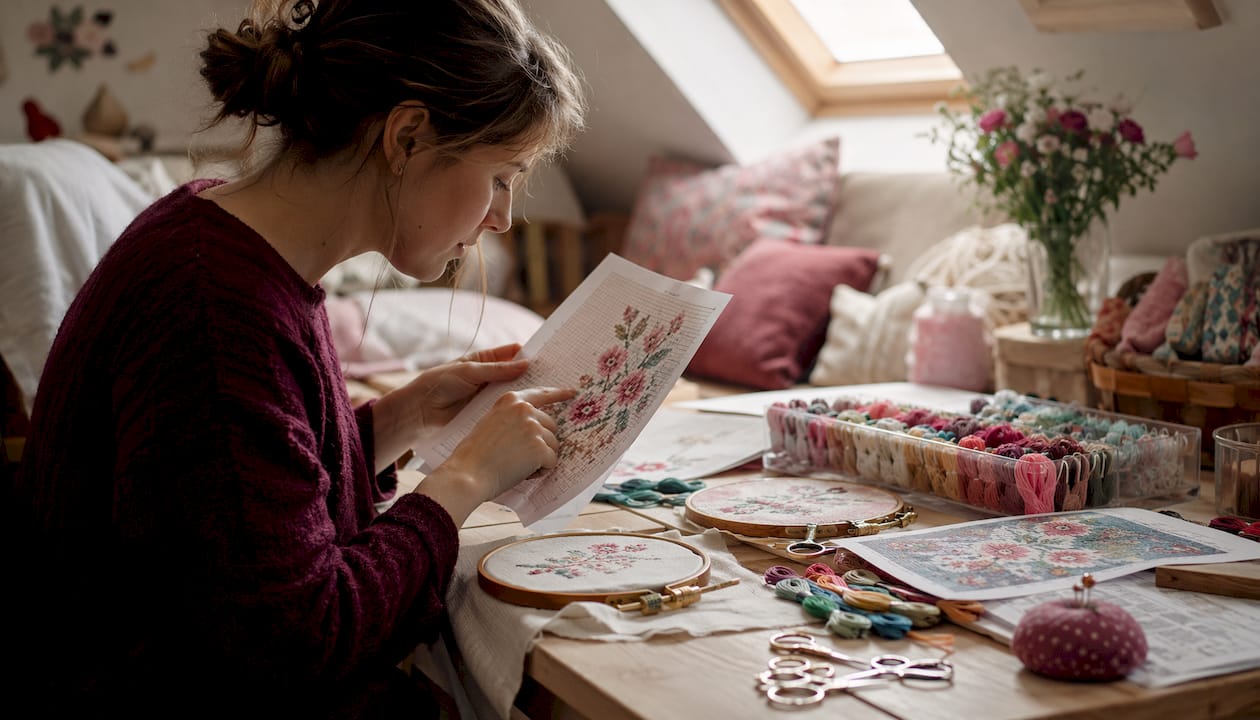
Embroidery Pattern Source Types: A Beginner's Guide ! Woman reviewing embroidery patterns at sewing table Embroidery patterns fall into three broad categories: counted-thread (cross-stitch, blackwork), surface/freestyle (crewel, stumpwork, needlepainting), and digitized machine files.
Embroidery Pattern Source Types: A Beginner's Guide
Embroidery patterns fall into three broad categories: counted-thread (cross-stitch, blackwork), surface/freestyle (crewel, stumpwork, needlepainting), and digitized machine files. The most common places to find them are manufacturer freebies, craft books and magazines, online marketplaces, community freebie sites, public-domain archives, and kits or custom digitizers. Before you download or buy anything, two steps matter most:
- Match the pattern type to your skill level and the fabric you plan to use.
- Confirm the file format and license before stitching, especially if you plan to sell finished pieces.
Table of Contents
- What are the main embroidery pattern source types?
- Where can you find embroidery patterns?
- What file formats does your machine actually need?
- How do you choose the right pattern source for your project?
- How Flossom helps you manage pattern sources and formats
- Fair use, copyright, and pattern sharing etiquette
- Key Takeaways
- The part most beginners skip entirely
- Flossom keeps your pattern library from becoming a mess
- Authoritative sources and next steps
What are the main embroidery pattern source types?
The Victoria and Albert Museum organizes embroidery into three broad categories: counted-thread, freestyle/surface, and whitework. That framework is a useful starting point, though the categories overlap more than any chart suggests.
Counted-thread embroidery
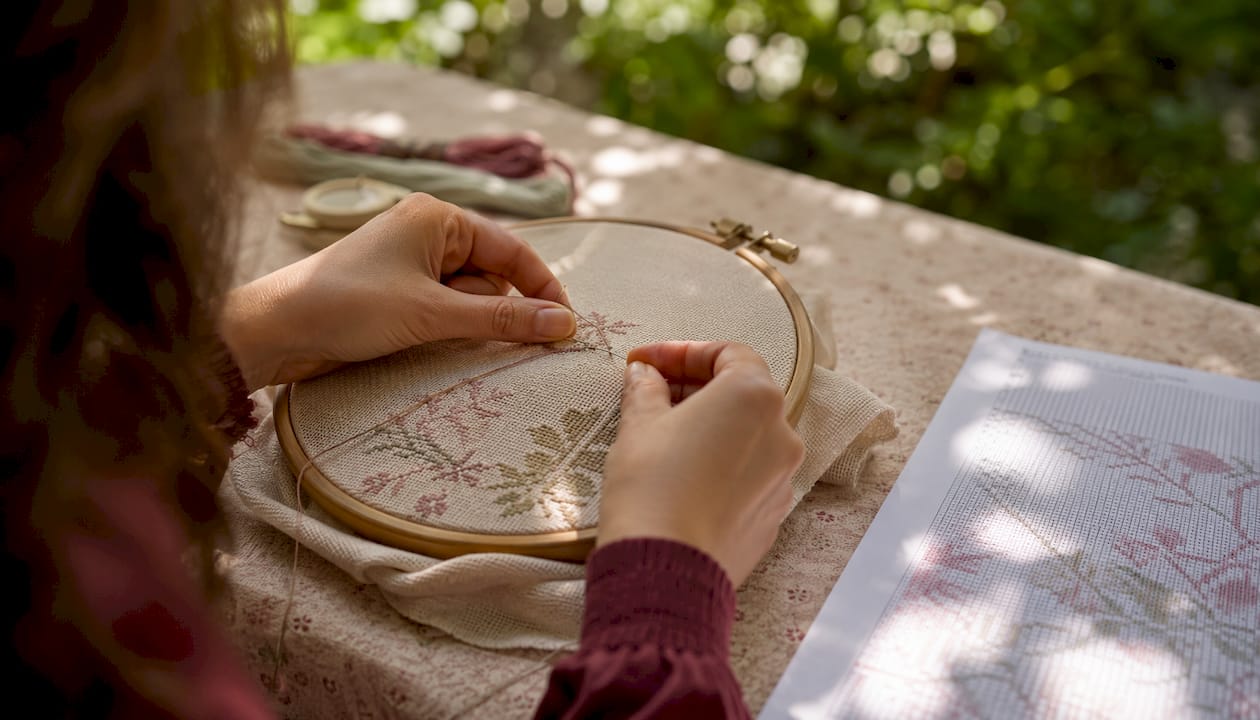
Counted-thread work means every stitch is placed by counting threads in the fabric weave. Cross-stitch is the most familiar example: you work from a grid chart on Aida or evenweave cloth, and each square on the chart equals one X-shaped stitch. A small alphabet sampler on 14-count Aida is the classic first project. Blackwork, which uses geometric repeat patterns in dark thread on a light background, is another counted-thread style with roots going back to 16th-century England.
Surface and freestyle embroidery
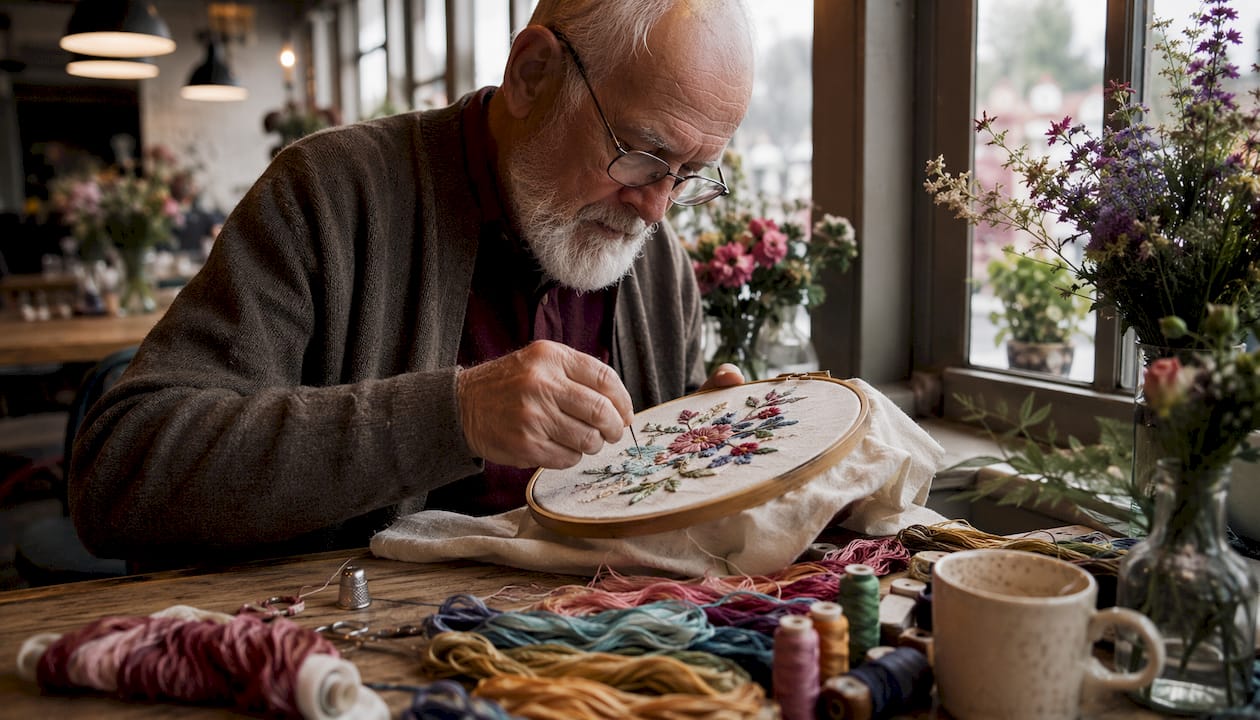
Surface embroidery covers any technique where stitches sit on top of the fabric without counting threads. Crewel uses loosely twisted wool yarn worked freely on a firm base; a simple floral stem with satin-stitch petals is a good first crewel project. Stumpwork adds dimension through padding and wire frames, producing raised motifs that almost pop off the fabric. Needlepainting blends long-and-short stitches to shade color like a painting. These styles reward patience more than precision, but the learning curve is steeper than cross-stitch.
Whitework
Whitework is colorless embroidery: white or unbleached thread on white or light fabric. Hardanger, Ayrshire, and cutwork all fall here. It shows up most often on christening linens, collar trims, and heirloom table pieces. The technique looks delicate but the stitches themselves are not complicated; the challenge is maintaining even tension across an all-white surface.
Digitized machine files
A digitized embroidery file is not a picture. It encodes stitch paths, stitch types, density, and underlay so a machine knows exactly where to move the needle. A JPEG or PDF of a design cannot drive a machine; you need a format like .PES or .DST. That distinction is covered fully in the machine-compatibility section below.
Pro Tip: When picking your first pattern, choose a fabric you already know how to hoop and a design with fewer than 3,000 stitches. Complexity in embroidery usually comes from stitch count and color changes, not from the image itself.
Where can you find embroidery patterns?
Every source type has a different tradeoff between cost, format, and how ready-to-use the pattern actually is.
Books, magazines, and kits
Printed books and magazines give you a chart or template you trace or transfer to fabric. They are ideal for hand embroidery beginners because the instructions are tested and the stitch diagrams are right there on the page. Kits go one step further: fabric, thread, and a printed pattern arrive together, so there is nothing to source separately. The downside is that a printed chart cannot be loaded into an embroidery machine without digitizing.
Manufacturer freebies
Thread and machine brands publish free patterns specifically designed to work with their products. DMC publishes hand-embroidery charts tested with their own thread colors, which means the color mapping is reliable from the start. Brother's regional portals offer free machine designs in formats targeted to their machines. These freebies are among the safest starting points for beginners because the stitch quality and thread suggestions have already been checked.
Online marketplaces and designer shops
Etsy is the largest marketplace for independent embroidery designers. You can find hand-embroidery PDFs, counted cross-stitch charts, and digitized machine files all in one place. Quality varies widely, so read reviews and check whether the listing specifies the file format and stitch count. Paid, artist-crafted platforms like Embroidery Library focus on machine designs and typically include customer support, multiple format options, and usage notes with each purchase.
Community and freebie sites
Sites like NeedleThread.com (run by Mary Corbet) offer free hand-embroidery patterns alongside detailed stitch tutorials, making them genuinely useful for beginners rather than just pattern dumps. Aggregator sites host thousands of free machine designs across formats. The catch: many free machine files are auto-converted from images rather than professionally digitized, which can cause thread breakage or fabric puckering. Stick to manufacturer freebies or well-reviewed paid files for anything you plan to stitch on real fabric.
Museum and public-domain archives
The Victoria and Albert Museum and similar institutions publish historical embroidery patterns and motifs that are in the public domain. These are excellent for vintage or traditional designs. The tradeoff is that museum and archival patterns are usually images or PDFs, not digitized machine files, so you will need to convert or commission digitizing before using them on a machine.
Custom digitizers and bespoke designs
If you have a specific logo, illustration, or motif that does not exist as a ready-made file, a professional digitizer can convert it. Services like EmbroideryDesigns.com offer both pre-made files and custom work. Expect to pay more for a bespoke file, but the result is a design built for your hoop size, thread count, and machine.
Source type comparison
| Source type | Cost | Format | Skill level | Machine compatible? | License | Ready to stitch? |
|---|---|---|---|---|---|---|
| Manufacturer freebies (DMC, Brother) | Free | PDF/image or digitized file | Beginner | Often yes (check format) | Personal use | Usually yes |
| Craft books and magazines | Paid | Printed chart or PDF | Beginner–intermediate | No (requires digitizing) | Personal use | Yes (hand only) |
| Kits | Paid | Printed chart + materials | Beginner | No | Personal use | Yes (hand only) |
| Online marketplaces (Etsy) | Free or paid | PDF, image, or digitized file | All levels | Varies by listing | Varies; check listing | Usually yes |
| Artist platforms (Embroidery Library) | Paid | Digitized file, multi-format | Intermediate–advanced | Yes | Personal or commercial (check) | Yes |
| Community/freebie sites | Free | Image, PDF, or digitized file | All levels | Varies; quality varies | Varies | Varies |
| Museum/public-domain archives | Free | Image or PDF | Intermediate+ | No (requires digitizing) | Public domain | Hand only |
| Custom digitizers | Paid | Digitized file | Any | Yes | Usually commercial | Yes |
What file formats does your machine actually need?
The single most important concept in machine embroidery is this: a digitized file encodes stitch paths, stitch types, density, and underlay. A JPEG or PDF is just a picture. Loading an image into a machine does nothing. You need the right digitized format for your specific machine.
Common machine embroidery file formats
| Format | Associated brand(s) | Notes |
|---|---|---|
| .PES | Brother, Babylock | Most widely used home machine format |
| .DST | Tajima | Industry standard; works on many commercial machines |
| .JEF | Janome | Janome-specific; some models also accept .DST |
| .EXP | Bernina | Bernina home machines; check model for variants |
| .VP3 | Husqvarna Viking, Pfaff | Viking and Pfaff share this format |
Before downloading any machine embroidery file, run through this checklist:
- Format: Does the file extension match what your machine accepts?
- Hoop size: Is the design sized to fit your largest available hoop?
- Stitch count: Does the listing state the stitch count? High counts on small designs can cause density problems.
- Source quality: Is this a professionally digitized file or an auto-converted image?
- License: Does the listing allow the use you intend (personal, gifts, or sales)?
Pro Tip: Always test a new design on a scrap piece of the same fabric and stabilizer you plan to use for the real project. Check the underlay stitches and density before committing to your good fabric.
How do you choose the right pattern source for your project?
A five-step decision process covers most situations.
- Define your project. What is the end use: a framed piece, a garment, a gift, something to sell? The answer shapes every decision that follows.
- Pick a pattern type. Counted-thread for precision and portability; surface/freestyle for expressive, fabric-forward work; digitized files for machine production. Match the type to your current skill and the fabric you plan to use.
- Pick a source type. Beginners: start with manufacturer freebies or a simple kit. Machine owners: go to a tested paid platform or a brand portal. Hand stitchers: books, kits, and community blogs are reliable.
- Verify format and license. Confirm the file extension matches your machine. Read the license terms before stitching anything you plan to sell.
- Test before committing. Run a test stitch on scrap fabric. For hand patterns, work one motif before starting the full piece.
Red flags to watch for
- No file format listed in a machine embroidery download.
- No stitch count or hoop size information.
- A "free" machine file that is clearly a converted clipart image with no digitizing notes.
- No license information at all, especially on marketplace listings.
When is it worth paying?
Free patterns are fine for practice and personal projects. If you plan to sell finished items, a commercial license is not optional. Paid, tested designs from established platforms also save time: many free designs are auto-converted and will require rework before they stitch cleanly. Paying for a professionally digitized file is usually cheaper than the thread and fabric you will waste troubleshooting a bad freebie.
Adapting patterns safely
Rescaling a hand-embroidery pattern is straightforward: enlarge or reduce the printed chart and adjust your fabric count accordingly. Rescaling a digitized machine file is not. Changing the size of a digitized design requires re-digitizing or at least rechecking density and underlay, because the stitch spacing was set for the original dimensions. Recoloring is safe in most embroidery software. Stitch substitution in hand patterns is also fine, but swapping stitch types in a digitized file can break the sequence.
Checklist to copy before downloading any pattern:
- Required file format: ___
- Hoop size needed: ___
- Estimated stitch count: ___
- License (personal / commercial): ___
- Source tested or auto-converted: ___
How Flossom helps you manage pattern sources and formats
Keeping track of multiple pattern sources, file formats, and thread brands across several projects is where things go wrong for most beginners. A single project record that captures format, hoop size, stitch count, and thread-brand conversions prevents the rework that comes from forgetting which file version you used or which DMC color you substituted.
Flossom is built for exactly this workflow. Upload your pattern PDF, record the file format and hoop size, log your thread colors, and let the app compare what the pattern needs against what you already own. It auto-generates a shopping list for the gap, converts across 55 thread brands, and keeps everything synced across devices so your project record is always current.
A practical workflow for any pattern source:
- Capture source and license. Note where the pattern came from and what the license allows. Store this with the project file.
- Record format and hoop size. Log the file extension and the design dimensions before you download anything else.
- Convert or request the right file. If the source only provides a PDF, decide now whether you will digitize it yourself, commission digitizing, or switch to a hand-embroidery approach.
- Label thread brand and conversions. If the pattern calls for one brand and you own another, use a thread brand conversion tool to find the closest match before you buy.
- Test and log results. Run your test stitch, note what worked, and attach a photo to the project record.
Flossom's free tier covers DMC and Anchor catalogs with unlimited stash tracking and up to three projects. Pro unlocks all 55 brands, a camera color picker, barcode scanner, and unlimited projects.
Pro Tip: Use Flossom's embroidery project planning workflow to attach license notes directly to each project. When you come back to a design six months later, you will know instantly whether you can sell finished pieces.
Fair use, copyright, and pattern sharing etiquette
Copyright in embroidery is more complicated than most stitchers realize. A pattern chart or digitized file is a creative work protected by copyright from the moment it is made. Buying a pattern gives you a license to use it, not ownership of the design itself.
Fair use is a narrow legal doctrine in the United States. It can apply to criticism, commentary, or education, but it does not cover selling embroidered items made from a pattern that only permits personal use. The phrase "I bought it, so I can do what I want" is not how copyright law works.
Commercial licensing matters the moment money changes hands. Many free and marketplace patterns are limited to personal use. Selling a finished item embroidered from such a pattern without a commercial license puts you in violation of the designer's terms. When in doubt, email the designer and ask. Most independent designers are happy to sell a commercial license separately.
Pattern sharing etiquette is a softer but real issue in the stitching community. Sharing a purchased PDF with friends, posting a digitized file in a Facebook group, or uploading a chart to a free-download site all deprive the designer of income. The community norm is clear: share the link to where you bought it, not the file itself.
Public-domain patterns from museum archives or pre-1928 publications are genuinely free to use and share. Even then, if a museum has created a new digital scan or chart from an old design, that new work may carry its own copyright. Check the specific terms on the archive page before assuming everything is free.
This article is general information, not legal advice. For questions about a specific pattern's copyright or commercial use terms, consult the designer or a qualified intellectual property attorney.
Key Takeaways
Beginners get the best results by matching their pattern type to their skill level, confirming the file format before downloading, and checking the license before selling anything.
| Point | Details |
|---|---|
| Three core pattern types | Counted-thread, surface/freestyle, and digitized machine files cover nearly every embroidery style you will encounter. |
| Start with tested sources | Manufacturer freebies from DMC and Brother are the safest first patterns because stitch quality and thread mapping have already been checked. |
| Format matters for machines | Your machine needs a specific digitized file (.PES, .DST, .JEF, .EXP, or .VP3); a JPEG or PDF will not work. |
| License before you sell | Most free and marketplace patterns are personal-use only; a commercial license is required before selling finished items. |
| Flossom keeps it organized | Flossom stores pattern metadata, converts across 55 thread brands, and auto-generates shopping lists so you never lose track of format or thread requirements. |
The part most beginners skip entirely
The taxonomy of embroidery pattern types is genuinely useful, but the conversation that gets skipped most often is about what happens after you find a pattern you love. Beginners spend real time hunting for the right design and almost no time confirming whether it will actually work for their setup.
The format mismatch problem is more common than it should be. Someone buys a beautiful digitized design, downloads it, and discovers their machine takes .JEF and the file is .PES. Or they download a free machine file that turns out to be an auto-converted clipart image with no real digitization behind it, and their first test run shreds the stabilizer. These are not skill failures; they are information failures. A five-minute checklist before downloading prevents both.
The licensing issue is the other one people wave away until it matters. Selling three embroidered tote bags at a craft fair feels harmless, but if the pattern was personal-use only, you have technically violated the designer's terms. Independent embroidery designers are small businesses. The licensing terms exist because their income depends on them. Respecting those terms is both the ethical and the legally correct choice.
The encouraging part: once you build the habit of checking format and license before you download anything, the whole process gets faster. You stop wasting time on patterns that will not work for your machine or your intended use, and you start building a library of sources you actually trust.
Flossom keeps your pattern library from becoming a mess
Every source type covered in this guide produces a different kind of file: a PDF from a book scan, a .PES from a brand portal, a printed chart from a kit, a custom .DST from a digitizer. Managing all of that across multiple projects without a system means you will eventually stitch the wrong version, buy thread you already own, or lose the license note you needed.
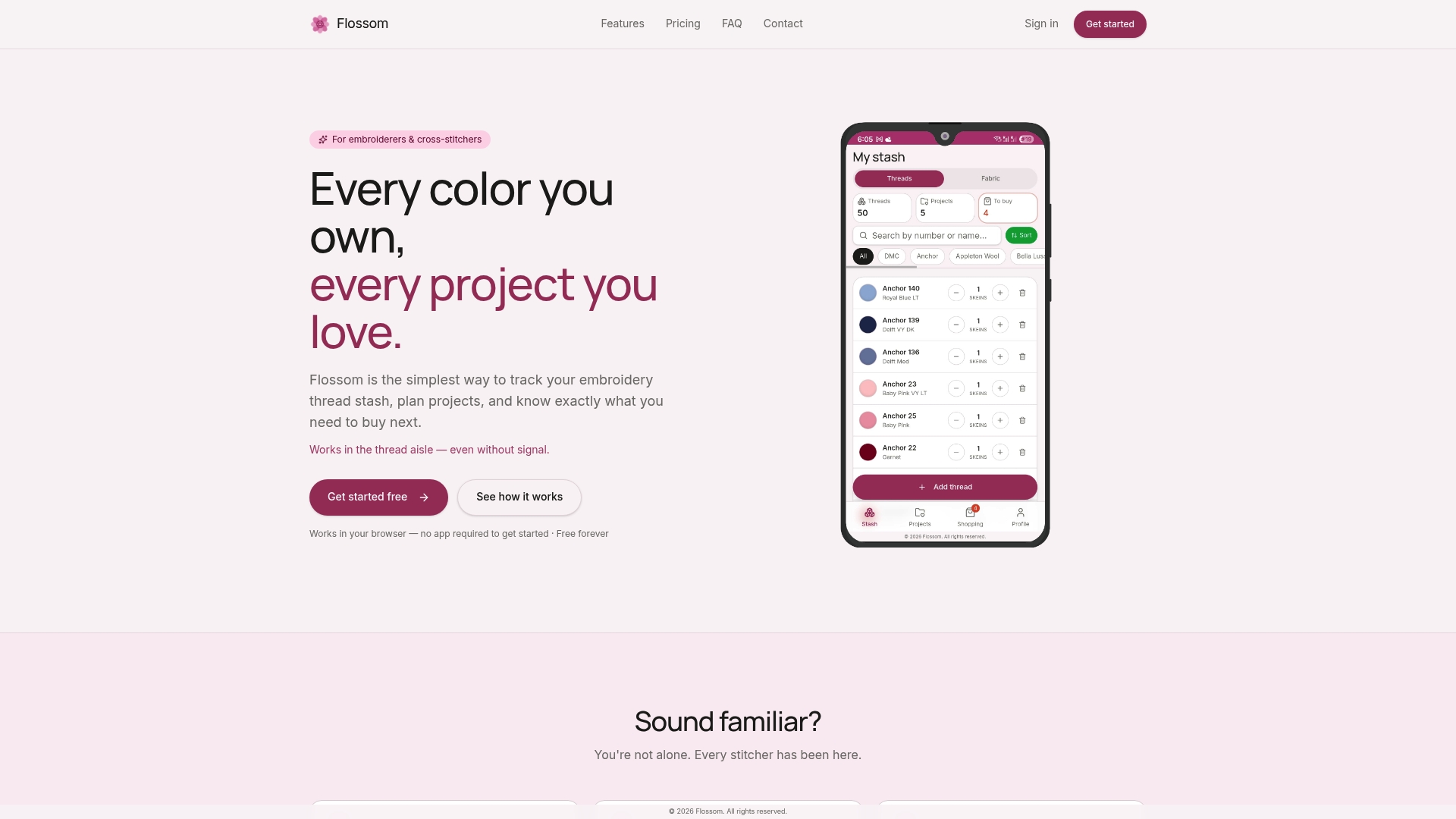
Flossom is built to hold all of it in one place. Upload your pattern PDFs, log the file format and hoop size for each machine design, record your license terms, and let Flossom compare your pattern's thread list against your actual stash. It auto-generates a shopping list for whatever is missing and converts across 55 thread brands so you are not manually cross-referencing color charts. The free tier covers DMC and Anchor with unlimited stash and three projects. Pro adds all 55 brands, a camera color picker, a barcode scanner, and unlimited projects, all synced across devices with no ads.
Use the project time calculator to estimate how long your next pattern will take, or browse the full tools hub to see what else Flossom can take off your plate.
Authoritative sources and next steps
- Embroiderers' Guild of America: Beginner's Guide to Five Types of Embroidery — Detailed definitions of blackwork, whitework, stumpwork, cross-stitch, and crewel; the best single reference for understanding technique names.
- Victoria and Albert Museum: Embroidery Styles Illustrated Guide — Museum-level taxonomy with historical context; useful for identifying traditional motifs and archival pattern sources.
- NeedleThread.com (Mary Corbet) — Free hand-embroidery patterns and stitch tutorials written for beginners; one of the most trusted community resources in the US.
- DMC — Free hand-embroidery charts tested with DMC thread colors; the go-to manufacturer freebie source for counted-thread and surface work.
- Embroidery Library — Paid, artist-crafted machine designs in multiple formats with customer support; reliable for tested, production-ready files.
- 2stitch.com: Free Embroidery Designs — Curated list of free machine design aggregators; useful for finding volume freebies, with quality caveats noted.
- Flossom — Project and stash manager for stitchers; stores pattern metadata, converts thread brands, and auto-generates shopping lists across DMC, Anchor, and 53 additional brands.
Recommended
We make Flossom — the calm app for cross-stitchers and embroiderers who want their stash, projects, fabric and shopping list in one tidy place.