
Digitizing Your Stash: Why Cross-Stitchers Never Look Back
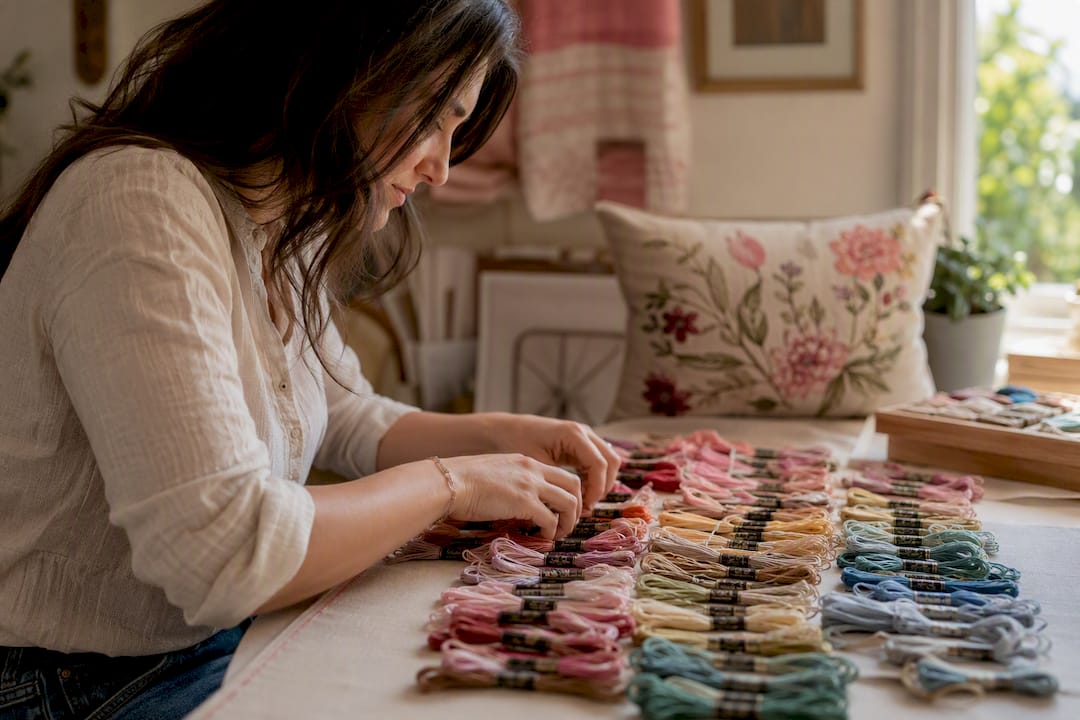
Digitizing Your Stash: Why Cross-Stitchers Never Look Back ! Hands photographing embroidery floss skeins Digitizing your thread and fabric stash saves time, stops duplicate purchases, and makes planning your next project faster.
Digitizing Your Stash: Why Cross-Stitchers Never Look Back
Digitizing your thread and fabric stash saves time, stops duplicate purchases, and makes planning your next project faster. Once you have logged even 50 skeins into an app like Flossom, you can check your stock from the craft store aisle instead of guessing, scan a barcode instead of typing, and export the whole list to CSV whenever you want a backup. Makers who track more than about 20 raw materials tend to hit a wall with spreadsheets, which is exactly where a dedicated stash app earns its keep.
Here's what changes once your stash lives digitally:
- You stop buying colors you already own.
- You match patterns to your stash before you shop, not after.
- You can search "all variegated blues" instead of digging through drawers.
Key Takeaways
Digitizing a thread and fabric stash saves stitchers time, prevents duplicate purchases, and speeds up project planning by matching patterns to what's already on hand.
| Point | Details |
|---|---|
| Record structured fields | Log brand, color code, dye lot, quantity, and storage location for every skein and fabric piece. |
| Digitize in batches | Sort physically, then photograph and enter items by category rather than all at once. |
| Watch the 20-item threshold | Spreadsheets tend to break down past roughly 20 materials, which is when a dedicated app helps most. |
| Flag special items | Give hand-dyed threads and one-of-a-kind fabrics a photo and dye lot note, since they can't be reordered identically. |
| Start with Flossom | Flossom's free tier catalogs DMC and Anchor with unlimited stash entries, and Pro adds all 55 brands plus barcode scanning and fabric tracking. |
Table of Contents
- What Are the Benefits of Digitizing Stash Records?
- What Fields Should You Record for Each Stash Item?
- How Do You Digitize an Existing Stash Fast?
- Which App Features Actually Matter for Stitchers?
- How Long Does It Take and What Does It Cost?
- Is Your Stash Data Safe in the Cloud?
- Does a Digital Stash Work With Your Other Tools?
- How Do You Log Rare Dyes and One-of-a-Kind Fabrics?
- Why I Finally Stopped Trusting My Memory
- Try Flossom for Your Own Stash
- Frequently Asked Questions
- Sources
What Are the Benefits of Digitizing Stash Records?
The most obvious payoff is time. Instead of pulling out three drawers to check whether you own DMC 3852, you type it into a search bar and get an answer in two seconds. That sounds small until you multiply it by every project you start, every sale you shop, and every time a friend asks what you have on hand.
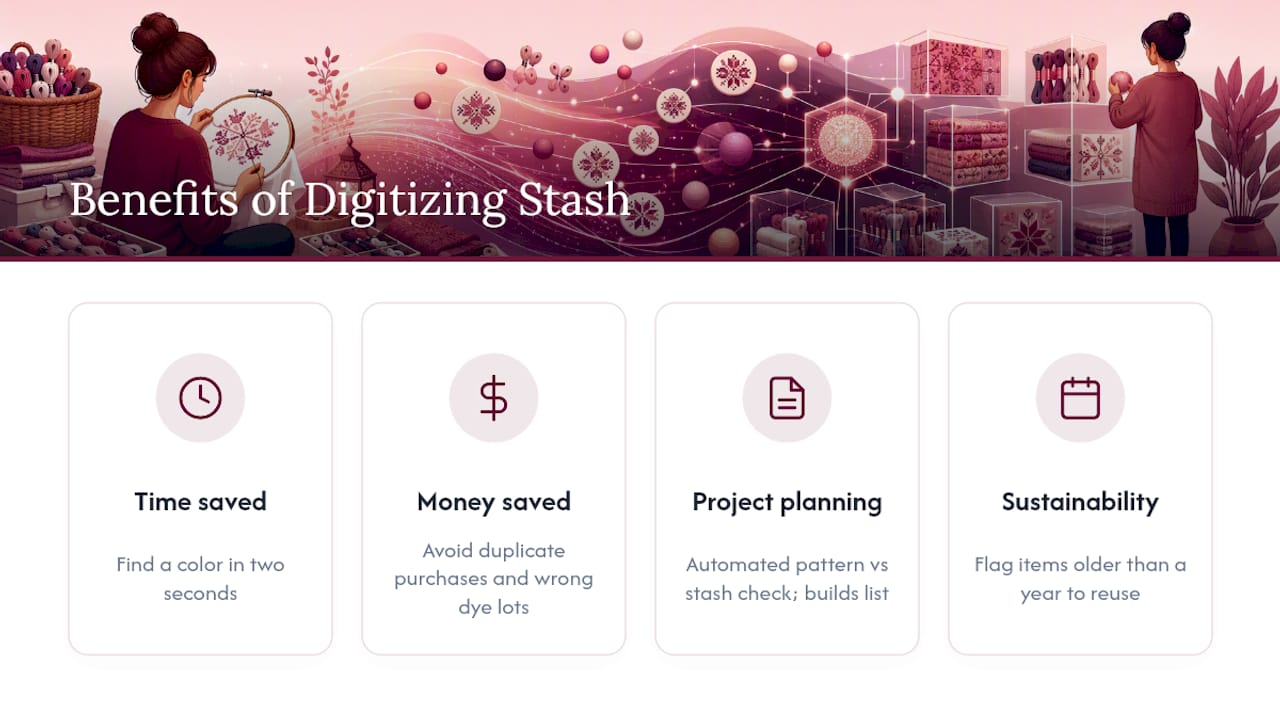
The second payoff is money. Duplicate purchases are the quiet tax every stitcher pays for not knowing their own stock. Buy the wrong dye lot twice, grab a fat quarter you already own, or restock a color that was sitting in a bin the whole time, and it adds up fast. A digital inventory built around photos and custom fields turns that guessing into certainty.
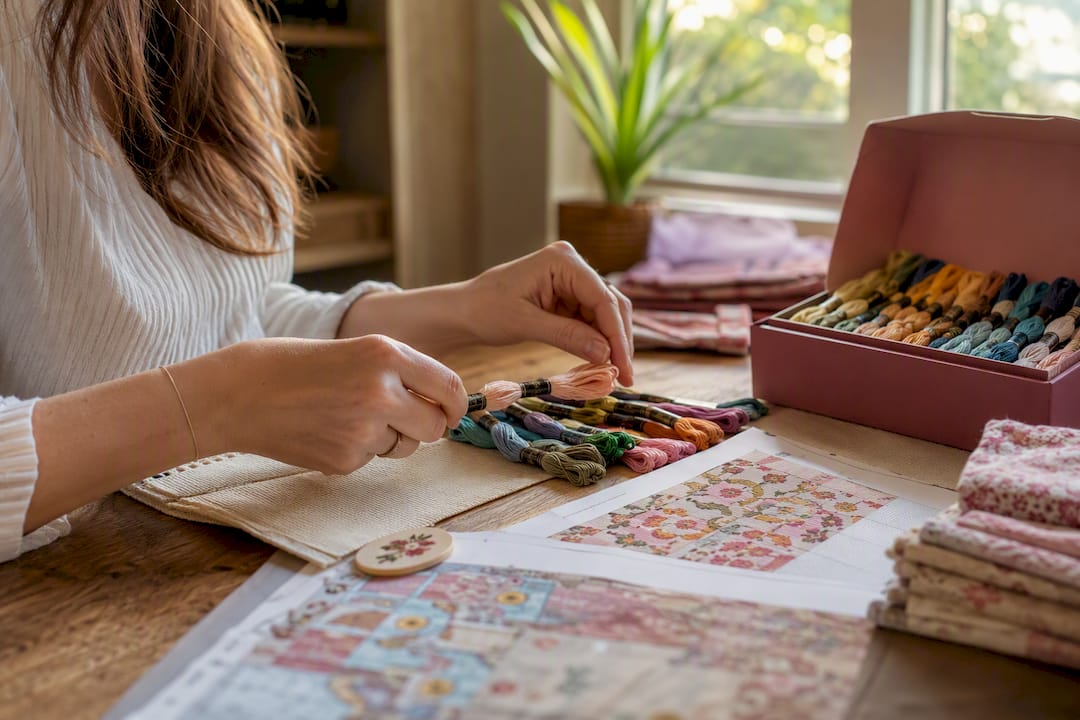
Project planning improves too. When your stash is logged with brand, color code, and quantity, you can compare a pattern's requirements against what you own and get an instant answer to "can I start this tonight?" Flossom automates that comparison and builds a shopping list from the gap. Link a work-in-progress photo to the entry and you have a running record of multiple WIPs without losing track of which skein belongs to which piece.
There's a sustainability angle too. Tagging supplies by purchase date and flagging anything older than a year nudges you to use up what you have before buying more. Say you have four half-used skeins of DMC attic heather sitting since last spring. A digital "use it up" flag puts that project back on your radar instead of letting it fade into the bottom of a bin.
Once you pass roughly 20 different materials, a plain spreadsheet starts to break down: color searches get slow, duplicate entries creep in, and updating stock after every project turns into a chore you skip. That's usually the point where a purpose-built app pays for itself.
What Fields Should You Record for Each Stash Item?
A useful digital record has structure, not just a photo and a guess. For thread, aim for these fields:
- Brand (DMC, Anchor, or another manufacturer)
- Color code or name (e.g., DMC 3852, "straw")
- Dye lot (matters more for hand-dyes than for standard DMC stock)
- Format (skein, spool, packet) and remaining length or quantity
- Storage location (drawer 4, floss box row B)
- Purchase date and, if relevant, a note on where to reorder it
For fabric, the list looks a little different:
- Fabric type and count (14-count Aida, 28-count linen)
- Piece size (dimensions or remaining yardage)
- Color or description, plus dye lot if the fabric is hand-dyed
- Storage location and a swatch photo
- Stitch-count notes, if you know how many stitches the piece can support
A single thread entry, fully filled out, might read: "DMC 3852, straw, dye lot 4521, full skein, drawer 4, purchased March 2025, reorder from local shop." That's four seconds of typing that saves you from buying the same color twice. Optional fields worth adding once you're comfortable: a low-stock threshold, a barcode or vendor SKU, and tags like "hand-dyed" or "variegated" for quick filtering later. Recommended fields include Item Name, Brand/Color Code, Quantity, Category, Storage Location, and Date Purchased, which map almost directly onto what a stitcher needs.
How Do You Digitize an Existing Stash Fast?
Trying to log an entire stash in one sitting is how most digitizing attempts die. Break it into steps instead:
- Sort physically first. Group threads by brand and fabric by type before you touch an app. You cannot photograph or scan a pile.
- Photograph or scan as you go. A swatch card photo with a caption noting fiber content and count does more work than a paragraph of notes.
- Set up your fields once. Build your template (brand, code, quantity, location) before batch entry so you're not reinventing structure on item 40.
- Batch enter by category. Do all your DMC floss in one session, then move to fabric, then specialty threads. If your app supports CSV import, upload what you already have in a spreadsheet instead of retyping it.
- Tag and link to projects. Attach threads to the pattern that needs them so future shopping list checks are automatic.
Time estimates vary by method. Basic entries (brand, code, quantity) run about an hour per 50 skeins once you have a rhythm. Adding a photo per item slows that to roughly one to two minutes each, but it pays off the first time you need to double check a color from memory. A camera color picker or barcode scanner cuts entry time further by pulling the code automatically instead of you squinting at a tiny label.
Pro Tip: Don't try to digitize your whole stash in one weekend. Log five items every time you put your sewing box away, and a 300-piece stash is fully cataloged inside two months without ever feeling like a chore.
Which App Features Actually Matter for Stitchers?
Not every inventory app understands what a stitcher needs. Look for these specific capabilities before you commit to one:
- Brand catalogs and color libraries for DMC and Anchor, so you're picking from a real list instead of typing free text that invites typos.
- Barcode scanning to pull a color code from packaging in one second.
- A camera color picker for loose threads that have lost their wrapper.
- Conversion between thread systems, useful when a pattern calls for Anchor but your stash is DMC.
- CSV import and export, both to migrate an old spreadsheet and to keep a backup outside the app.
- Project linking, so a pattern PDF and its WIP photos sit next to the stash items it uses.
- Low-stock alerts that flag a color before you run out mid-project.
- Sync across devices, so your phone and laptop show the same stash without manual updates.
Flossom covers this list directly. It catalogs 55 thread brands including DMC and Anchor, offers barcode scanning and a camera color picker for fast entry, and syncs everything across devices with CSV export built in. The free tier covers DMC and Anchor catalogs with unlimited stash and three projects, which is plenty for someone testing whether digitizing is worth the effort. Pro unlocks all 55 brands, fabric stash tracking, and unlimited projects, aimed at stitchers juggling several WIPs across different thread systems.
One usability detail worth checking before you commit: custom tags and filters. Being able to search "all variegated blues" or "hand-dyed" in one tap is what separates a stash you actually use from a list you built once and never open again.
How Long Does It Take and What Does It Cost?
Time scales with stash size, roughly. A small stash under 50 items takes under an hour with basic fields. A medium stash of 50 to 300 items runs a few hours spread across several sessions, especially if you add photos. A large stash past 300 items is realistically a multi-week project done in small batches rather than one sitting.
Cost depends on what you need. Free tiers covering DMC and Anchor handle most small stashes without spending anything. A paid tier tends to pay for itself once you're juggling multiple brands, fabric alongside thread, and enough projects that manual tracking becomes the bottleneck. CSV import speeds migration if you already have a spreadsheet going.
- Avoided duplicates save real money over a year of shopping trips.
- Faster project starts mean more actual stitching time and fewer stalled WIPs.
- Cloud sync plus CSV export gives you a backup without extra effort, so a lost phone doesn't mean a lost stash.
Is Your Stash Data Safe in the Cloud?
Storing your stash digitally means trusting a company with your data, even if that data is just floss codes and drawer numbers. The real risk isn't identity theft. It's losing years of cataloging work if an app shuts down or a device breaks.
Two habits protect against that. First, use a service that syncs across devices rather than storing everything locally on one phone. If your phone is lost or damaged, a cloud-synced stash is still sitting on your account, recoverable the moment you log in elsewhere. Second, export your data periodically. A CSV export, even done once a season, means you always have a portable copy that doesn't depend on any single app staying in business.
If you're tracking a business inventory rather than a personal stash, the stakes rise. Makers selling finished pieces need purchase dates, cost per unit, and usage records for accurate tax reporting, and losing that data mid-year is a real headache, not just an inconvenience. Keep receipts photographed alongside the entry itself rather than relying on memory for what something cost.
Privacy-wise, stash data is about as low-risk as personal information gets. Still, check whether an app lets you export and delete your data on request, and whether it's genuinely ad-free. An app monetized by selling attention rather than by subscription has different incentives than one you pay for directly.
Does a Digital Stash Work With Your Other Tools?
A digital stash record is most useful when it talks to the rest of your workflow, not when it sits in isolation. If you already track work-in-progress photos somewhere, keeping that separate from your stash means checking two places every time you plan a project.
Linking a pattern PDF to the stash items it needs closes that gap. Upload the pattern once, and the app can compare what the design calls for against what's already in your drawers, flagging exactly what's missing. That single connection is what turns a static inventory list into an actual planning tool.
Community habits matter here too. Stitchers who share WIP photos in forums or on social media often want the same photo doubling as their inventory record. An app that lets a single image serve both purposes, tracking progress and confirming which threads a project used, saves the duplicate work of photographing everything twice. If you keep notes on stitch counts, fabric counts, or design sources separately, storing them alongside your stash entries rather than in a separate notes app keeps everything searchable from one place.
The goal isn't consolidating every tool you use into one app. It's making sure your stash records and your project records reference each other instead of living as two disconnected systems that drift out of sync over time.
How Do You Log Rare Dyes and One-of-a-Kind Fabrics?
Standard fields work fine for a full skein of DMC 310. They fall apart for a single hand-dyed skein from a small-batch dyer whose colorway doesn't have an official name, or a fat quarter of hand-dyed linen that will never be restocked.
The fix is treating dye lot and photo fields as mandatory, not optional, for anything one-of-a-kind. A hand-dyed skein without its dye lot recorded is functionally unmatchable if you run out mid-project, since the next batch from the same dyer will look close but not identical. Photograph it against a neutral background at purchase, before it gets tangled in with everything else, and note the dyer's name and colorway in a free-text field even if there's no official code to enter.
Tags do more work here than rigid fields. "Hand-dyed," "one-of-a-kind," or the dyer's name as a tag lets you filter for these pieces separately from mass-produced stock, which matters because you'll want to think differently about using them. A skein you can reorder anytime deserves less caution than one you'll never see again.
For fabric, note the exact piece size down to the inch rather than rounding, since a hand-dyed remnant that's slightly too small for a pattern is a real planning problem a full bolt of Aida never presents. If a dyer sells limited runs, jotting down the purchase source and date helps you track down more from the same batch if you're lucky enough to catch a restock.
Why I Finally Stopped Trusting My Memory
I used to believe I knew my stash well enough to shop from memory, right up until I bought a third skein of a color I already owned two of. That's what pushed me toward digitizing everything, and the habit that stuck was tagging by dye lot the moment a skein comes in the door, not weeks later when I've forgotten which batch it came from.
The tip I'd actually pass on: log items during the "put away" moment, not in a separate dedicated session. Every time you finish a project and put supplies back, spend thirty seconds updating the entry. That single habit keeps a stash accurate for years instead of accurate for a month after the big cataloging weekend.
Try Flossom for Your Own Stash
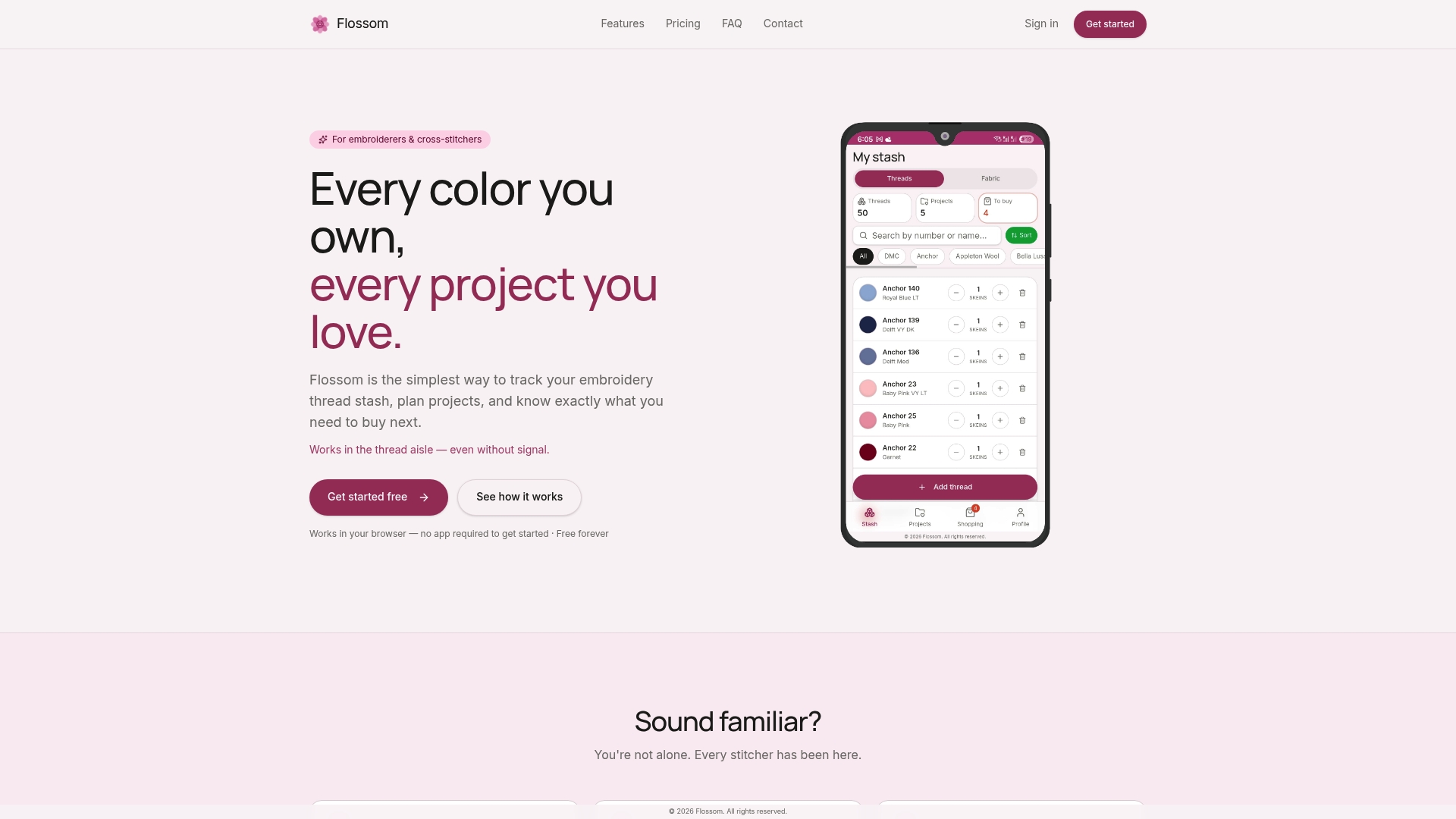
Flossom gets you past spreadsheet limits without asking you to relearn how you shop or plan. It catalogs DMC and Anchor threads for free with unlimited stash entries, then scales up to all 55 brands, barcode scanning, a camera color picker, and fabric tracking once you go Pro. Upload a pattern PDF, and it automatically compares what the design needs against what's already in your drawers, building your shopping list from the gap instead of leaving you to guess.
If you're not sure how much time a new project will actually take once your stash is sorted, the Cross Stitch Project Time Calculator gives you a realistic estimate before you commit to starting. Everything syncs across devices and exports to CSV, so your cataloging work never lives in just one place. Open Flossom in your browser, log your first ten skeins, and see how fast the "do I already own this?" question answers itself.
Frequently Asked Questions
What are the main benefits of digitizing stash records? The core benefits are time saved searching for materials, fewer duplicate purchases, faster project planning through pattern-to-stash matching, and better sustainability through use-it-up prompts on older supplies.
How long does it take to digitize a cross-stitch stash? A small stash under 50 items takes under an hour with basic entries. A medium stash of 50 to 300 items usually spreads across several sessions, especially with photos added.
What's the minimum information I need to record for each thread? Brand, color code or name, dye lot, format, and quantity cover the essentials. Storage location and purchase date add planning value without much extra effort.
Do I need a paid app to digitize my stash? Not necessarily. Free tiers covering DMC and Anchor handle most small to medium stashes; a paid tier tends to pay off once you're tracking multiple brands, fabric, and several projects at once.
How do I handle hand-dyed thread or fabric that doesn't have a standard color code? Record the dyer's name, colorway, and dye lot, and attach a photo at purchase. Tag it as "hand-dyed" so you can filter these pieces separately and treat them with more caution than reorderable stock.
Sources
- How can I track my craft inventory digitally? – Create Room
- How to Set Up a Digital Inventory System for Craft Supplies | Organization Tip 101
- How to Track Materials Inventory for a Handmade Business (Without Losing Your Mind) - Especially If You're Using Spreadsheets - The YarnyBookkeeper
Recommended
We make Flossom — the calm app for cross-stitchers and embroiderers who want their stash, projects, fabric and shopping list in one tidy place.