
Track Stitching Time: Turn 12,000 Stitches into a Real Finish Date
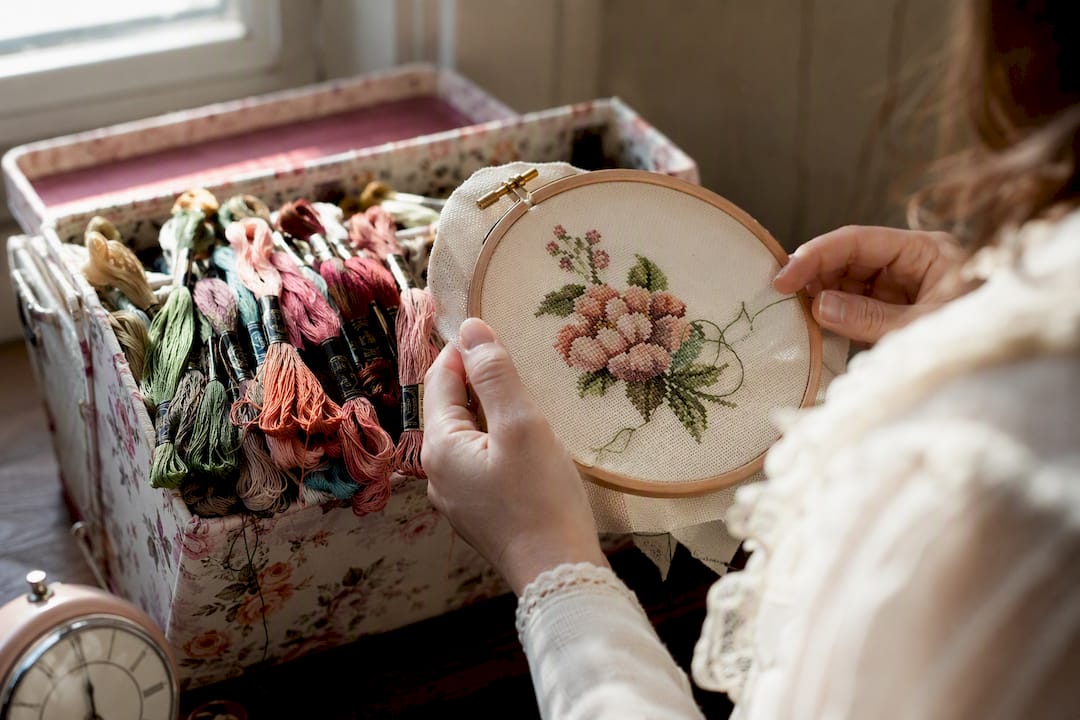
Track Stitching Time: Turn 12,000 Stitches into a Real Finish Date ! Hands holding embroidery hoop mid-stitch Time a focused session with a phone timer or stopwatch, log the minutes against the project, and repeat.
Track Stitching Time: Turn 12,000 Stitches into a Real Finish Date
Time a focused session with a phone timer or stopwatch, log the minutes against the project, and repeat. That single habit beats any fancy system. If you want it automated, a stitch-tracking app like Flossom can log sessions and estimate finish dates for you. Either way, start your first timed session today.
TL;DR:
- Using a stopwatch or phone timer is quick and simple, but requires discipline to consistently record session times manually.
- Tracking tools like apps, spreadsheets, or notebooks help analyze progress but vary in ease of use, with apps offering automatic history and notebooks providing privacy.
- A short speed test measuring stitches per hour on the actual fabric and pattern yields a more accurate project completion estimate than general averages.
- Rotating between multiple projects becomes more manageable with a dedicated tracking system that shows real-time totals and project-specific progress.
- A weekly routine of four short sessions and a quick review keeps tracking effortless and provides clear insights into project status and upcoming deadlines.
Table of Contents
- How to track stitching time: methods that actually work
- How do you log sessions so the numbers stay useful?
- How do you estimate how long a project will take?
- Which tools fit your stitching workflow?
- A weekly routine that keeps tracking painless
- Try Flossom's tools built for stitching time
- Sources
How to track stitching time: methods that actually work
Most stitchers land on one of four systems. None is objectively "best." The right one depends on how much friction you're willing to tolerate and whether you like looking at data.
Stopwatch or phone timer. This is the lowest bar to entry. Start the timer when you pick up the hoop, stop it when you set it down, jot the total somewhere. No app to learn, no account to make. The tradeoff is that you have to remember to write the number down somewhere permanent, or it evaporates.
Dedicated stitch-tracking apps. These log session history automatically, sometimes counting stitches as you mark them off a digital chart. A Reddit thread in r/CrossStitch shows this is one of the most requested features among hobbyists: people specifically want a timer that persists across sessions and adds up automatically instead of resetting every time they close the app.
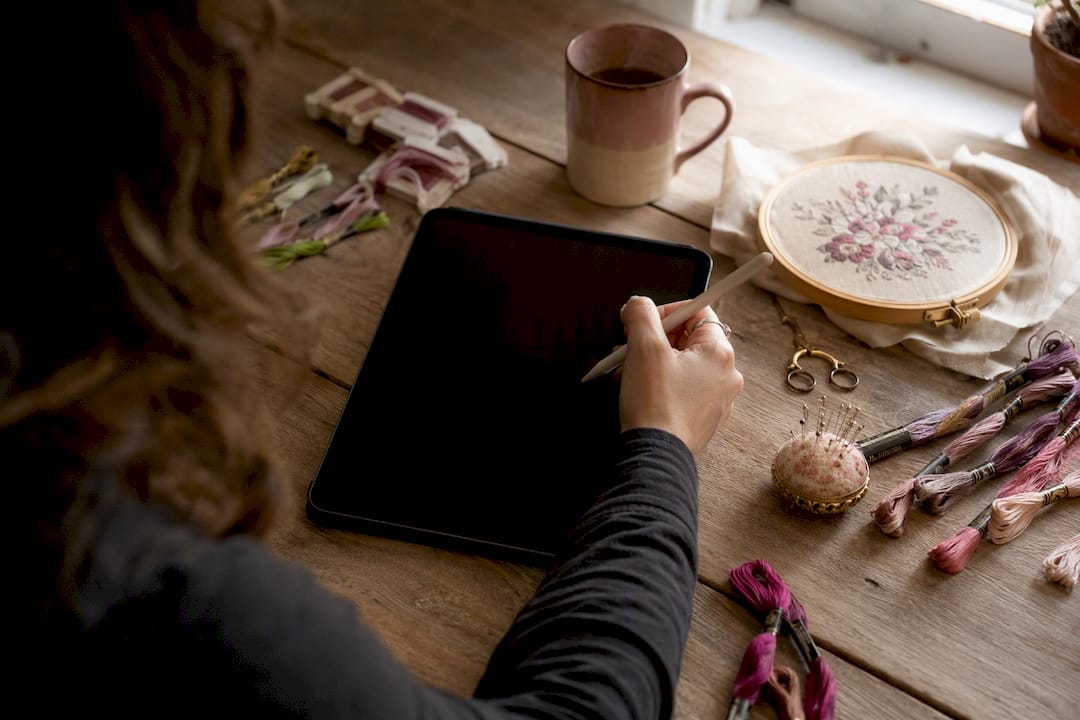
Spreadsheets. Google Sheets or Excel give you the most flexibility for analysis. You can build columns for date, project, minutes, and stitch count, then chart your pace over months. It takes more setup time than the other methods, but it rewards stitchers who like seeing long-term trends.
Paper notebooks. Old-fashioned, and still popular. A small notebook next to your stitching chair means zero screens, zero notifications, and total privacy. The downside is you can't easily total months of entries without doing the math by hand.
- Stopwatch/timer: fastest to start, easiest to forget to log
- Apps: automatic history, best for multiple WIPs
- Spreadsheets: best for pattern nerds who like graphs
- Notebooks: lowest friction, hardest to analyze later
Community discussions, including a Facebook cross-stitch group thread, show most hobbyists actually mix two of these: a timer for the moment-to-moment tracking, and either a notebook or spreadsheet for the permanent record.
How do you log sessions so the numbers stay useful?
A tracking system only works if the routine is dead simple. Complicated rules get abandoned by week two.
- Start the timer when you thread your needle, not when you sit down to find your scissors. Pause it for real interruptions (phone calls, dinner), and stop it fully when you're done for the day.
- Round to the nearest 5 or 15 minutes. Precision to the second is pointless and makes totals harder to add up later. Pick one rounding rule and stick with it across every project.
- Record five fields per session: date, project name, minutes stitched, rough stitch count or section completed, and a one-line note ("finished the border," "confetti stitching is slow going").
- Tag sessions by project if you rotate between multiple WIPs, so you can see at a glance which piece is actually getting attention and which one has been ignored for two months.
- Note distractions separately rather than folding them into your total. If you stitched for 40 minutes but 10 of those were spent untangling floss, your real pace looks worse than it is unless you flag it.
Pro Tip: Do a 30-second review at the end of each session instead of waiting until the weekend. Reconstructing "was that Tuesday or Wednesday?" a week later is where most tracking habits fall apart.
How do you estimate how long a project will take?
This is where tracked time turns into something genuinely useful: a finish date you can plan around, whether that's a holiday gift deadline or just knowing whether to start a second WIP.
Run a short speed test first. Pick a focused 15 to 30 minute session on a section of consistent stitch density, no confetti, no oversized backstitch runs, and count how many full stitches you complete. Multiply up to get your personal stitches-per-hour rate.
From there, the math is simple:
- Total pattern stitches ÷ your stitches-per-hour = raw stitching hours
- Add 15 to 30% as an allowance for breaks, backstitching, and slower confetti sections
- That adjusted number is your realistic hour estimate
Say your pattern has 12,000 stitches and your speed test clocks you at 600 stitches per hour. That's 20 raw hours. Add a 20% allowance and you're closer to 24 hours of actual stitching time, which turns into a far more honest finish date than "20 hours" ever would.
Fabric count changes this math more than people expect. Stitching on 14 count Aida moves noticeably faster than 18 count for the same design, because each stitch covers more visual ground. Research on sewing and stitching operations backs this up: pattern complexity and fabric construction significantly affect per-operation time, which is exactly why a published "average stitches per hour" figure from a blog post is a worse predictor than your own five-minute test.
Measure your own pace. No published average, however well-researched, replaces a personal speed test done on the actual fabric count and pattern you're working with.
If doing this math for every project sounds tedious, the Cross Stitch Project Time Calculator from Flossom runs these numbers automatically once you plug in your stitch count and measured pace.
Which tools fit your stitching workflow?
Hobbyists generally fall into three camps, and none of them is wrong.
The low-tech camp uses a kitchen timer and a paper notebook. It costs nothing, works offline, and suits stitchers who see tracking as a nice-to-have rather than a core part of the hobby.
The hybrid camp times sessions on a phone, then transfers totals into a spreadsheet weekly. This is a solid middle ground for anyone who wants trend data without committing to a dedicated app.
The app-native camp wants session history, stitch counts, and progress photos all living in one place, ideally synced across a phone and a laptop. This is where a tool like Flossom fits: session logs and per-project totals feed directly into the project time calculator, and CSV export means the data doesn't get trapped in one app forever.
- Session history that accumulates instead of resetting
- Per-project totals visible at a glance
- Stitch counts tied to actual pattern progress
- CSV export for anyone who still wants a spreadsheet backup
- Finish-date math without doing it by hand
| Workflow type | Best for | Main limitation |
|---|---|---|
| Low-tech (timer + notebook) | Casual stitchers, privacy-minded | Hard to total or analyze later |
| Hybrid (timer + spreadsheet) | Data-curious stitchers | Requires manual transfer |
| App-native (session logging) | Rotating multiple WIPs | Requires picking and learning an app |
Tracked time pays off most when you're rotating projects. Knowing that your holiday ornament needs another six hours, while your bed-size sampler needs another eighty, tells you exactly which one to pick up tonight. It also flags when to restock thread before you hit a wall mid-project, and when to promise a "done by" date you can actually keep for a gift.
A weekly routine that keeps tracking painless
A workable routine looks like four 45-minute sessions a week, timer running, quick five-field log written the moment you set the hoop down. Sunday gets a ten-minute review: total the week, glance at which WIP got neglected, adjust next week's plan. Nothing more elaborate than that. The payoff isn't the data itself. It's opening a project after three weeks away and knowing exactly where you left off and how much is left, instead of guessing and losing motivation halfway through.
— Simone
Try Flossom's tools built for stitching time
Flossom turns the math in this article into something you never have to do by hand. Instead of running your own speed test with a stopwatch and a calculator app, you log a session once and Flossom keeps the running totals, per-project history, and finish-date estimates in one place.
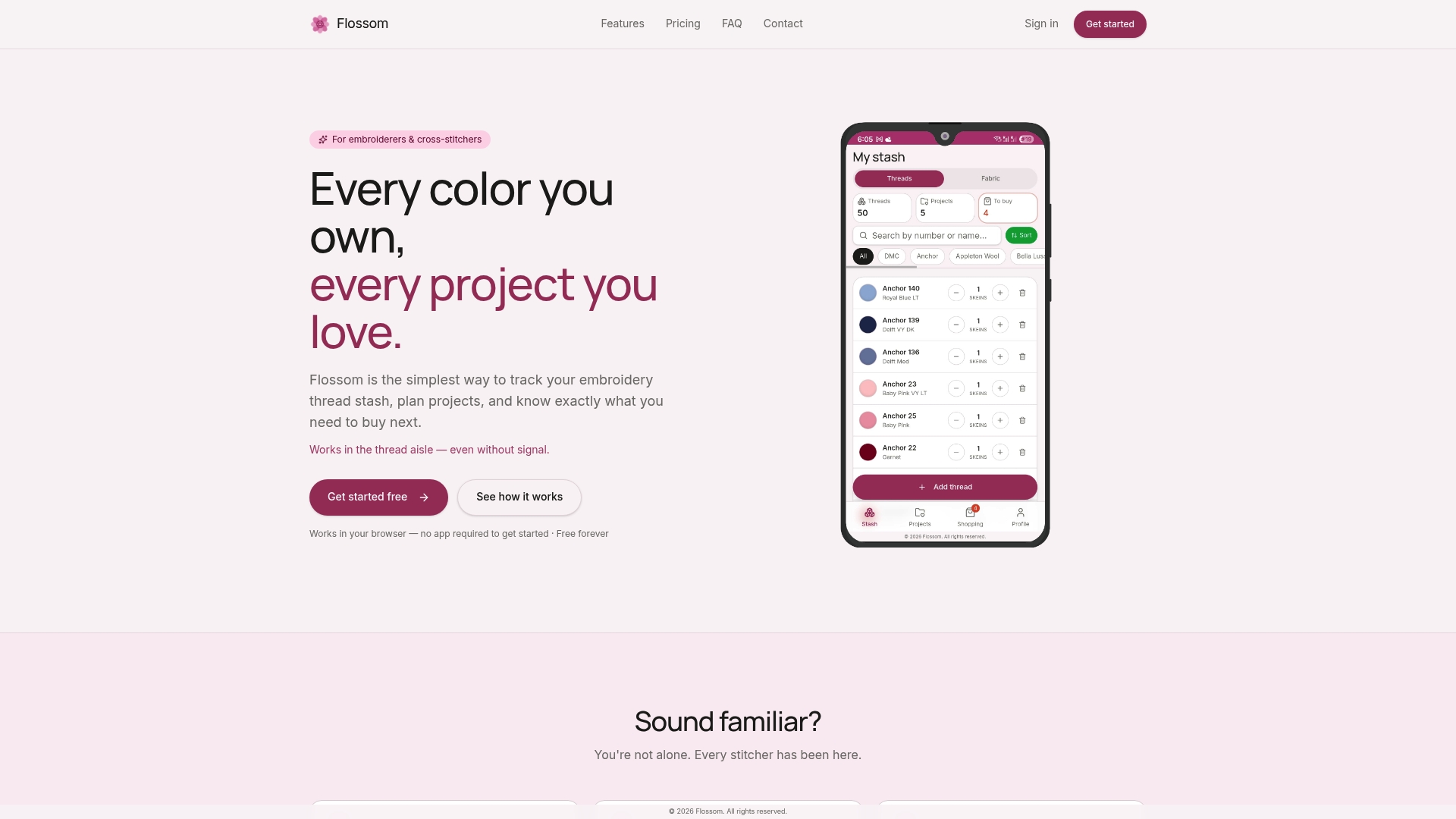
The free tier covers unlimited stash tracking and three projects, including DMC and Anchor thread catalogs, which is enough for most stitchers just starting to track time seriously. Upgrading to Pro removes the project cap and adds the camera color picker, barcode scanner, and fabric stash tracking, useful once you're juggling several WIPs and want the project time calculator working across all of them at once. Everything syncs across devices and exports to CSV, so your logged hours are never locked in.
Open the Flossom tools page and run your next project's numbers through the calculator before you pick up the needle tonight.
Recommended
We make Flossom — the calm app for cross-stitchers and embroiderers who want their stash, projects, fabric and shopping list in one tidy place.