
Download Free Cross Stitch Inventory Spreadsheet Templates, Start Tonight
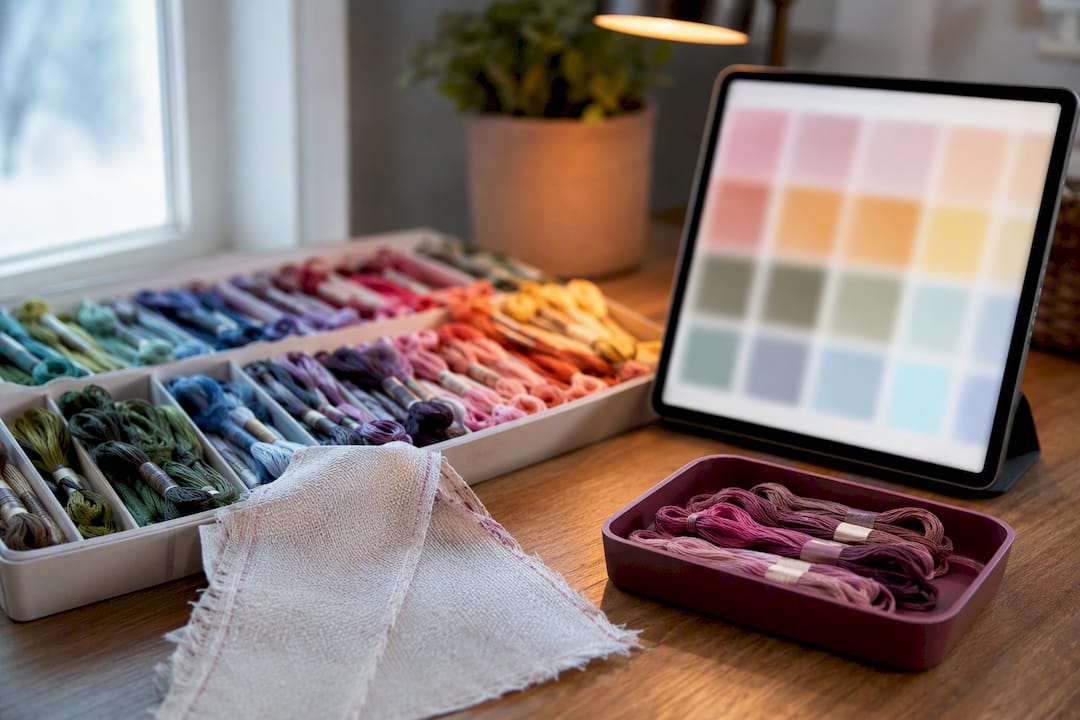
Download Free Cross Stitch Inventory Spreadsheet Templates, Start Tonight ! Cross stitch threads beside digital inventory Most stitchers do best with a copy of a Google Sheets template saved to their own Drive, since it stays with you on your phone at the craft store and updates in real time.
Download Free Cross Stitch Inventory Spreadsheet Templates, Start Tonight
Most stitchers do best with a copy of a Google Sheets template saved to their own Drive, since it stays with you on your phone at the craft store and updates in real time. If you'll be offline a lot, an Excel download or printable PDF works better. Either way, grab a template from the sections below and start filling it in tonight, or skip the spreadsheet entirely and try Flossom's tools if you want automatic brand conversions built in.
Table of Contents
- Where to Find Cross Stitch Inventory Templates
- Which Columns Actually Matter in a Stash Spreadsheet
- Customizing Your Sheet Without Learning to Code
- Tracking Partial Skeins and Assigning Thread to Projects
- Keeping Your Inventory With You and Backed Up
- Why a Living Inventory Beats a List You Made Once and Forgot
- What Cataloging My Stash Actually Changed
- A Straightforward App Alternative for Automating Your Stash
- Downloads and Tutorials to Try Next
- Sources
- FAQ
Where to Find Cross Stitch Inventory Templates
Three formats dominate the cross stitch stash spreadsheet world, and each one serves a different kind of stitcher.
Google Sheets templates are the default for a reason. You copy the file into your own Drive, and from that point on it's yours to edit from a laptop, tablet, or phone. That matters more than it sounds: Google Sheets inventories are built for exactly this kind of multi-device access, so you can pull up your stash list while standing in the thread aisle deciding whether you already own DMC 3768. No app to install, no account beyond a free Google login.
Excel downloads trade that convenience for offline power. If your internet is spotty or you just prefer working in a desktop app, Excel handles bigger sheets and more complex formulas without lag. The tradeoff is that some formatting, especially anything built with a script or a Google Sheets-specific feature, may not survive the conversion cleanly.
Printable PDFs or charts suit stitchers who want a physical reference tucked into a project bag or binder, not a device to check. They're the least flexible option but the most durable one when you're stitching somewhere without a signal.
Before you commit to any download, check it against a short list:
- Does it include color swatches or thumbnails, not just number codes?
- Does it have a built-in conversion chart between brands?
- Does it track floss counts (full skeins vs. partial) separately?
- Can you search, sort, or filter the list, or is it a flat table?
Skip anything that fails more than one of those checks. A cross stitch pattern organizer that can't be sorted by color family is barely more useful than a paper list.
Which Columns Actually Matter in a Stash Spreadsheet
A minimal layout beats a bloated one for most people, but collectors with dozens of works-in-progress need a few extra fields. Here's how to tell which camp you're in.
For a basic embroidery supplies inventory, six columns cover almost everyone:
- Brand (DMC, Anchor, Sullivans, etc.)
- Color number (the code printed on the skein label)
- Color name (helpful since numbers alone are hard to remember)
- Quantity (how many skeins or spools you own)
- Location/container (bin 3, drawer B, project bag 12)
- Notes/dye lot (useful for larger projects where dye lots must match)
You could build that in Google Sheets in about five minutes: six column headers, one row per color, done. It's enough to answer the one question that matters most while shopping: "Do I already have this?"
Extended templates add depth for stitchers juggling multiple WIPs or building a serious stash:
- Partial skein yards (an estimate of usable thread left on a bobbin)
- Project assigned (which pattern a color is earmarked for)
- Bobbin IDs (a reference number matching a physical bobbin)
- Replacement link (a saved link to reorder that exact color)
Pro Tip: Start minimal. Add the extended columns only after you notice yourself wishing you had them. A spreadsheet with 12 columns you never fill in is worse than one with six you actually update.
Customizing Your Sheet Without Learning to Code
Conditional formatting does most of the heavy lifting here. Set a rule that highlights any row where quantity drops below 1, and you get a visual low-stock warning without touching a formula. Some stitchers go further and color each row's background to roughly match the thread color itself, which turns a wall of text into something you can scan at a glance.
Formulas handle the math you'd otherwise do in your head. A simple IF statement comparing a "have" column against a "needed" column instantly flags shortages. If you're tracking partial skeins separately, a SUM formula can roll those fractional amounts into a usable total per color, so you're not guessing whether three quarter-used skeins add up to enough for a border.
For stitchers who want the sheet to feel closer to an app, a short Google Apps Script can auto-color a cell and even fill in the color name the moment you type a valid code. One open-source script built specifically for DMC codes does exactly this, saving you the manual lookup entirely.
That convenience comes with a catch worth knowing upfront:
- Scripts only run in Google Sheets, not in a downloaded Excel copy.
- Conditional formatting rules sometimes get flattened or dropped during export.
- Printed versions lose both, since a script has nothing to act on once it's ink on paper.
Advanced spreadsheets built around this kind of automation often bundle floss-use estimators and fabric calculators alongside the conversion charts, which is where a spreadsheet starts doing real project math instead of just listing what's in a drawer. If you plan to print or export regularly, build your automation knowing it won't travel with the file.
Tracking Partial Skeins and Assigning Thread to Projects
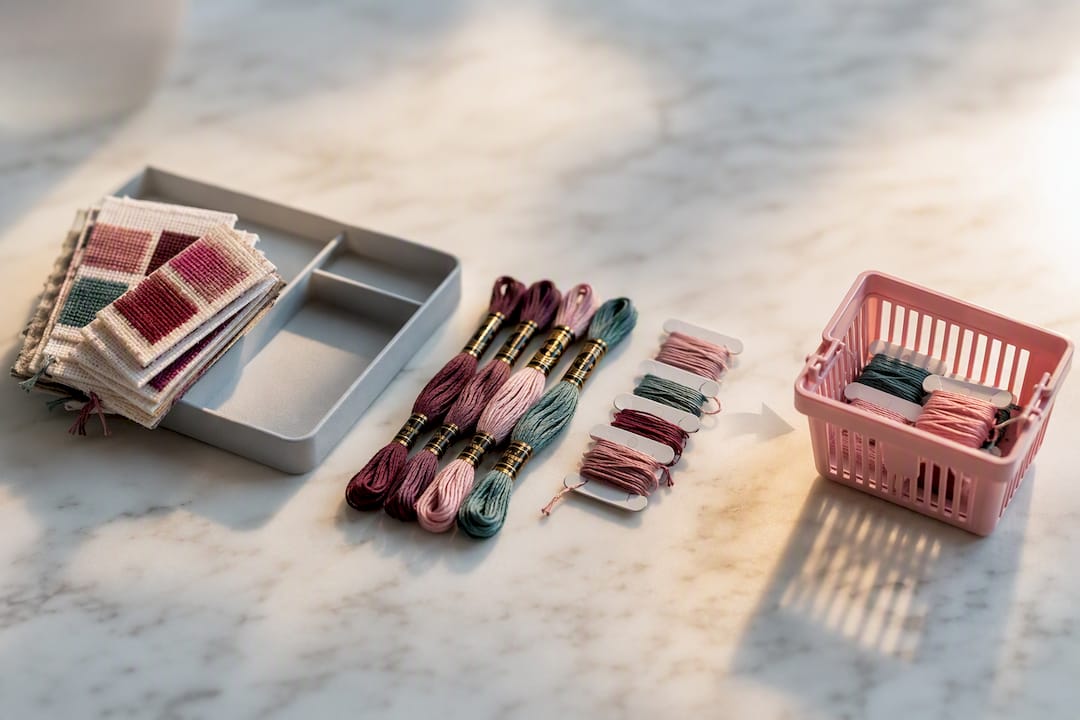
A single "have it / don't have it" column undersells how cross stitch thread actually gets used. Skeins get worked down over multiple projects, and a partial skein with eight usable yards left is very different from an empty one.
A workable structure separates thread into three states, each doing a specific job:
- Full skeins — a simple count, no estimation needed.
- Partial skeins (yards) — your best guess at usable length remaining, since separating full skeins from partials with estimated yardage is standard practice among stitchers who inventory their stash from kits and loose purchases alike.
- Thrifted or unknown dye lot — threads picked up secondhand where you can't guarantee a matching batch, flagged separately so you don't accidentally use one in a spot where dye lot consistency matters.
Estimating partial yardage doesn't need to be scientific. Compare the remaining thread's diameter against a fresh skein of the same brand and eyeball the fraction, or unwind and measure once and use that as your rule of thumb for future estimates.
Once those three states exist, comparing pattern against stash becomes a matter of subtraction. Pull the floss list from your pattern, match it against your inventory's full-plus-partial totals, and anything short becomes your shopping list. That's the same logic behind building a shopping list that actually works instead of guessing at the shop counter.
Keeping Your Inventory With You and Backed Up
The whole point of a digital inventory falls apart if you can't check it while you're actually shopping. Copy your Google Sheet into your own Drive, then open the Google Sheets or Drive app on your phone and mark the file for offline access. Now it's there even in a store with bad signal.
For a physical version, don't print your full working sheet. Build a second "print" tab first:
- Strip out formulas and any script-driven formatting, since they won't render on paper anyway.
- Reduce columns to the essentials, usually just color number, name, and have/need.
- Set the page to US Letter (or A4 if that's your standard) so nothing gets cut off at the margins.
Export a CSV copy every few months as a backup, and keep it somewhere separate from the live sheet. A CSV also opens cleanly in most other planning tools, so switching software later never means starting your inventory from zero.
Why a Living Inventory Beats a List You Made Once and Forgot
A spreadsheet you filled in once and never opened again is barely better than no inventory at all. Digital inventories earn their keep specifically because they can be sorted, filtered, and updated, something a printed list or a memory of "I think I have that color" can't do.
The stitchers who avoid duplicate purchases aren't the ones with the fanciest template. They're the ones who touch their inventory regularly, even for five minutes, right after finishing a project or unpacking a haul.
Flossom was built around that same idea: catalog thread across many brands, scan a barcode instead of typing a code by hand, and get a low-stock alert before you're mid-project and out of a color. It syncs across devices automatically, so there's no manual copy-to-Drive step to remember.
A workable maintenance routine doesn't need to be elaborate. Spend five minutes updating quantities after every finished project, and do a fuller reconciliation whenever you unpack a new kit or haul. For deeper technique on sorting and labeling, Flossom's guide to organizing a thread stash covers the habits that keep a sheet from going stale.
What Cataloging My Stash Actually Changed
Before any real system existed, "checking the stash" meant digging through a drawer and hoping. The value of a real inventory shows up the first time it saves you from buying a third skein of DMC 310 you didn't need, or the moment it tells you that a half-finished project actually has everything it needs to get picked back up.
Give yourself thirty minutes tonight. Open a template, list what's in one drawer or bag, and stop guessing at the shop counter.
— Simone
A Straightforward App Alternative for Automating Your Stash
A spreadsheet costs nothing and gets you far, but it asks you to do all the lookup work by hand, matching color numbers across brands, checking your own low-stock thresholds, typing in every new purchase. Flossom handles that side automatically.
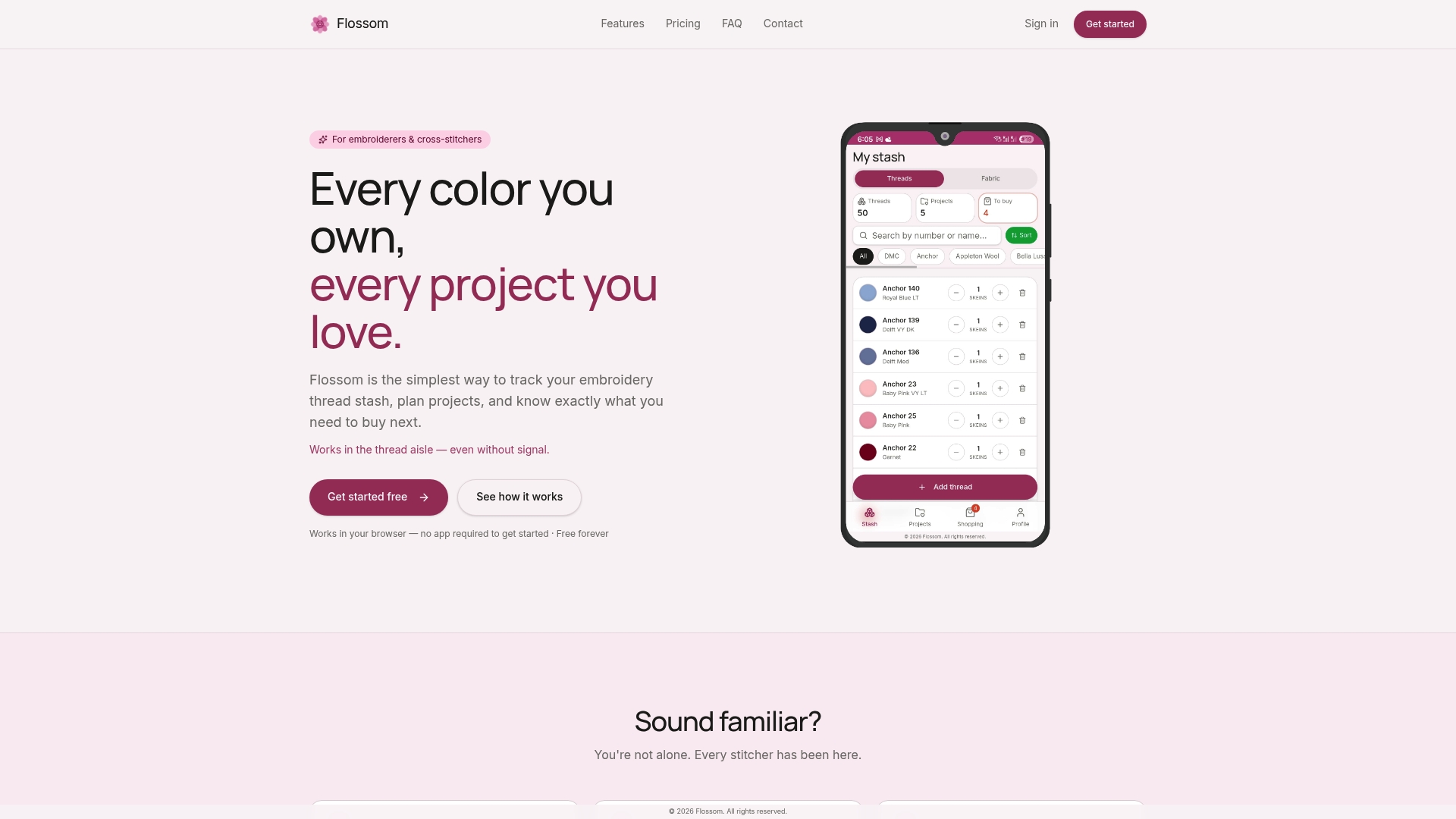
The app catalogs thread across many brands, so converting a pattern written for one brand into another takes one tap instead of a chart lookup. A barcode scanner adds a new skein to your stash in seconds, and a camera color picker can suggest a match when you're holding a loose thread with no label at all. Low-stock alerts flag colors before you run out mid-project, and everything you build stays available for CSV export if you ever want a spreadsheet copy alongside it.
Choose the spreadsheet route if you want a zero-cost DIY system and don't mind manual entry. Choose Flossom if you'd rather the conversions and stock alerts happen without you doing the lookup yourself. Either way, the project time calculator is worth trying free to see how automated shopping-list comparisons actually feel in practice.
Downloads and Tutorials to Try Next
A few places worth bookmarking before your next stash session:
- A checklist for cataloging kit contents if you're starting your inventory from scratch.
- The DMC-code auto-color script on GitHub for a Google Sheets shortcut.
- A local hand embroidery workshop listing if you'd rather learn stitch basics in person.
Sources
- Embroidery Thread Inventory Checklists ⋆ Sirious Stitches
- DMC Thread Inventory Spreadsheet – Lord Libidan
FAQ
Where Can I Find a Free Cross Stitch Inventory Spreadsheet?
Google Sheets templates are the most common free option since you copy them straight into your own Drive with no cost or account beyond a Google login. Search for a "DMC thread inventory Google Sheets template" or start from a basic six-column layout you build yourself in a few minutes.
Can I Use Excel to Create Cross Stitch Patterns?
Excel's grid works reasonably well for basic charting since each cell can represent a stitch, but it lacks dedicated symbol libraries and floss-matching tools that pattern software includes. It's a better fit for inventory tracking than for full pattern design.
What Is the Best Way to Organize Cross-Stitch Supplies?
Separate threads by brand and color number first, then track quantity by state: full skeins, partial skeins with estimated yardage, and thrifted or unknown dye-lot threads. Pairing that system with a location column, so every color maps to a specific bin or bag, cuts search time dramatically.
How Do I Make a Simple Cross Stitch Inventory Spreadsheet?
Start with six columns: brand, color number, color name, quantity, location, and notes. Fill one row per thread color, save a copy to your own Drive if you're using Google Sheets, and add conditional formatting later once the basic list is working.
Is There an App That Tracks Cross Stitch Thread Automatically?
Flossom catalogs thread across many brands and automates tasks a spreadsheet requires by hand, including barcode scanning, brand conversion, and low-stock alerts, syncing across devices without a manual copy-to-Drive step.
Recommended
We make Flossom — the calm app for cross-stitchers and embroiderers who want their stash, projects, fabric and shopping list in one tidy place.