
Stitchers: Camera Color vs Shade Card, Shortlist 2–4 Matches
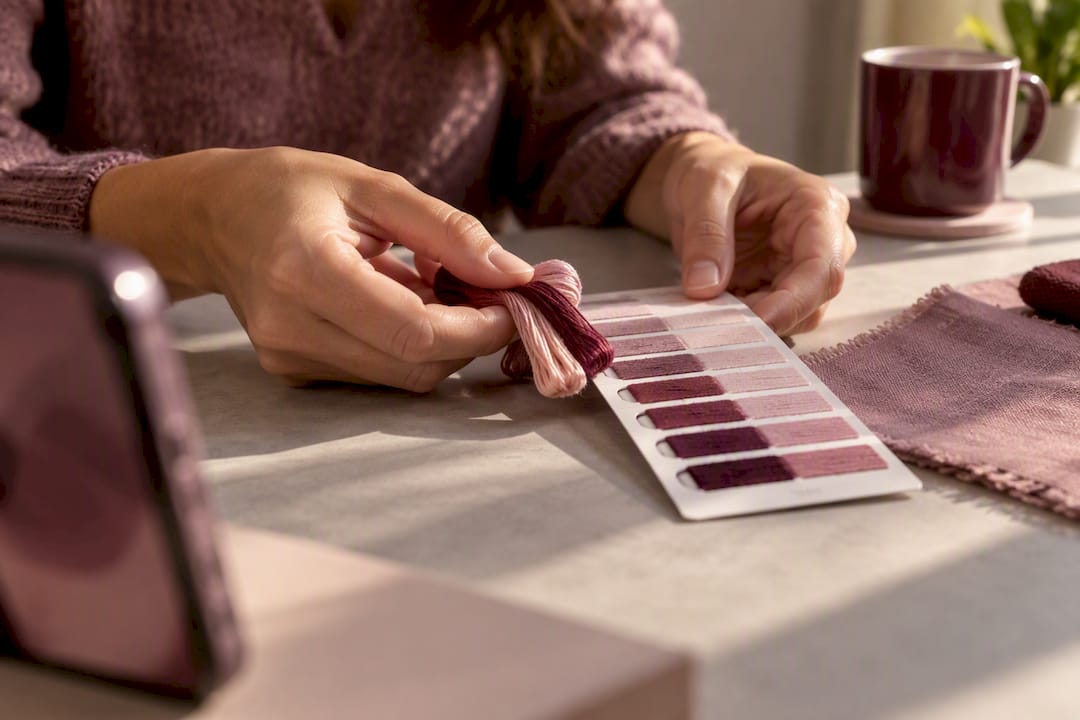
Stitchers: Camera Color vs Shade Card, Shortlist 2–4 Matches ! Thread compared with a shade card Use your phone's camera to quickly find close thread candidates, but always confirm the final pick with a physical shade card or a skein under the same light.
Stitchers: Camera Color vs Shade Card, Shortlist 2–4 Matches
Use your phone's camera to quickly find close thread candidates, but always confirm the final pick with a physical shade card or a skein under the same light. The camera is a discovery tool. It narrows hundreds of DMC or Anchor shades down to a handful in seconds, but lighting and phone sensors shift what it reports. Photograph your fabric or reference color in neutral daylight, shortlist two or three matches, then hold real thread against the fabric before you buy.
Table of Contents
- Camera Color vs Shade Card: What Each One Actually Does
- How to Photograph, Shortlist, and Verify a Thread Color
- Getting a Photo That Actually Reads True Color
- How Accurate Is Camera Color Matching, Really?
- Converting Camera Picks Into the Right Brand and Shade
- Where Flossom Fits Into This Workflow
- Why I Trust the Camera-First Approach (With One Caveat)
- Try the Camera Picker Before You Buy Your Next Skein
- Sources
- FAQ
Camera Color vs Shade Card: What Each One Actually Does
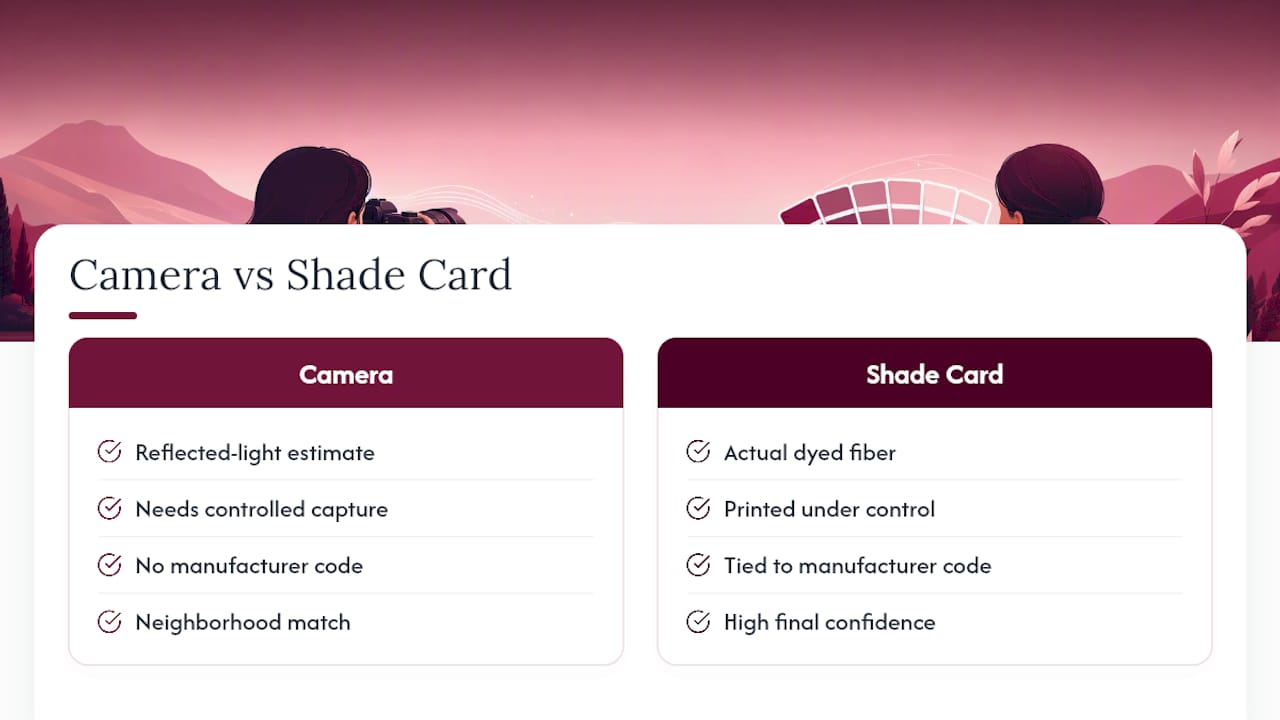
A phone camera and a shade card solve two different problems, and confusing them is where most color-matching mistakes start. The camera measures reflected light and estimates a color value. A shade card shows you the actual dyed fiber, printed and numbered by the manufacturer. One is an estimate; the other is ground truth.
Smartphones can work as reasonably capable colorimeters in textile settings, but only when you control how the photo is taken. That means consistent lighting, a neutral backdrop, and sampling more than one pixel from the image rather than trusting a single tap on the screen, according to smartphone-enabled colorimetry research.
Think of it like asking a friend to describe a paint color over the phone versus bringing you the actual paint chip. The description gets you close. The chip settles it. That's the entire relationship between camera color vs shade card matching: the camera gets you into the right neighborhood, and the shade card tells you the exact house.
Manufacturer shade cards for DMC thread and Anchor thread remain the reference standard for exactly this reason. They're printed under controlled conditions and tied to a specific code, so when your camera says "this looks like a rusty orange," the shade card is what confirms whether that's DMC 921 or something two shades off.
How to Photograph, Shortlist, and Verify a Thread Color
Turning a photo into a confirmed thread purchase works best as a short sequence. Skip a step and you're more likely to end up with a skein that looked right on screen and wrong in your hand.
- Set neutral lighting and a plain background. Natural window light or a daylight-balanced bulb works better than warm indoor lamps, which push everything toward yellow or orange.
- Remove colored clutter from the frame. A red tablecloth under your fabric will tint what the camera reads, even if you don't notice it by eye.
- Take several photos, not one. Capture the fabric or reference color from a few angles and under slightly different exposures.
- Sample multiple pixels from a flat, evenly lit area. Avoid folds, shadows, and shiny spots when you tap to pick a color.
- Run the camera color picker to generate a shortlist. Aim for two to four close candidates rather than a single "best" answer.
- Pull the matching brand's shade card and compare physically, under the same light you photographed in, before ordering.
If the camera's top candidate and your shade card sample look identical under the same light, and the project is small or forgiving, you can usually buy with confidence. If the piece is large, the color is subtle, or two candidates look nearly identical on the card, order a skein first. This same photograph-shortlist-verify sequence applies whether you're matching fabric or floss.
Getting a Photo That Actually Reads True Color
Most bad camera matches trace back to how the photo was taken, not the app doing the reading. Fix the capture and the match usually improves more than switching tools ever will.
- Shoot under one consistent light source. Mixing daylight from a window with a warm ceiling bulb creates a color temperature the camera can't fully correct for.
- Clear the frame of anything colored that isn't the fabric or thread itself, including patterned tables, colored clothing, or a nearby mug.
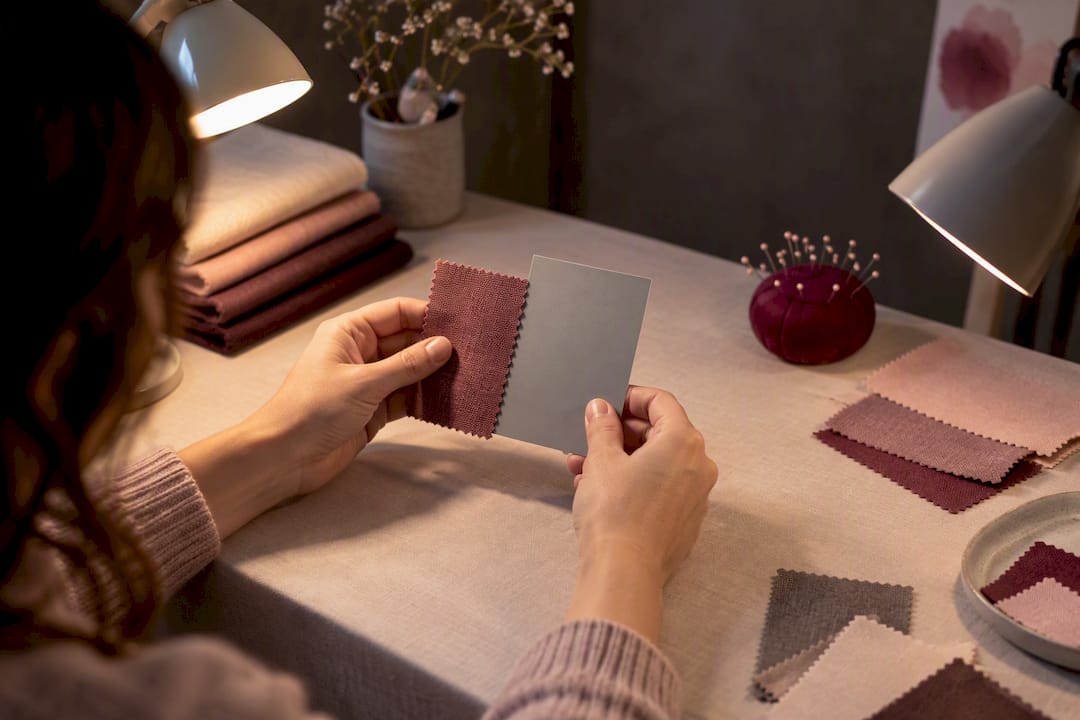
- Use a plain white or gray surface behind and under your sample. It gives the camera a stable neutral reference point.
- Avoid glare and shadow. Glossy metallic threads and deep folds throw off readings, so angle your light to avoid hot spots and dark creases.
- Sample the largest smooth, evenly lit section of fabric or thread, not the edges or texture lines. Research on textile image acquisition specifically recommends avoiding highlights and creases for exactly this reason.
- For textured fabric like linen or aida, take a few shots from different angles rather than relying on one frame.
Pro Tip: Keep a small white index card in your sewing kit. Tuck it into the corner of every reference photo, and you'll have a built in neutral point to judge whether your lighting shifted the whole image warm or cool.
A 2025 study on textile imaging found that a four-directional lighting setup paired with a color reference chart improved visual color fidelity by about 21.2% compared with standard single-light calibration. You don't need a lighting rig to benefit from the same idea. Even one extra light bounced from a second angle, or a $2 gray card in frame, closes a real gap between what your phone sees and what the fabric actually is.
How Accurate Is Camera Color Matching, Really?
Camera color matching for thread and fabric is useful but never lab grade, and knowing the actual numbers behind that limitation helps you decide when to trust it and when to double check with fiber in hand.
Color scientists measure the gap between two colors using a metric called ΔE (delta E), which roughly translates to how much difference the human eye can detect. A ΔE under 1 is generally invisible to most people. Once you get into the 2 to 3 range, a trained eye starts to notice, and by ΔE 5 most people see a clear difference. A single stitched square with a ΔE of 3 might look fine. The same gap spread across a full skein filling a sky or a skin tone can look noticeably off once it's on fabric.
The research reality: A 2024 study on smartphone based fabric color matching reported a testing mean squared error of about 0.22 when predicting color difference values, and a separate textile colorimetry study found smartphone accuracy useful but imperfect for practical matching. Both point the same direction: good enough to shortlist, not good enough to skip verification.
Certain materials make the camera's job harder no matter how careful your setup is. Glossy rayon or silk threads bounce light unevenly and create false highlights. Variegated threads shift color within a single strand, so a single sample point tells you almost nothing about the whole skein. Blended fibers, like cotton-poly mixes, can scatter light in ways that confuse the sensor's read entirely. When you're working with any of these, treat the camera's answer as a rough starting point and lean harder on the physical shade card.
Converting Camera Picks Into the Right Brand and Shade
Once your camera has flagged a few candidates, the real work is making sure you're buying the right code in the right brand. This is where a lot of stitchers lose time and money.
- Confirm the catalog before anything else. A camera can't tell you whether it's reading a DMC number, an Anchor number, or a paint chip, so pick the correct brand catalogue first and match within it.
- Compare the swatch to a physical shade card sample, not just the color patch on your phone screen. Screens vary in calibration, and what looks orange on one display reads coral on another.
- Order a small skein or request a swatch for large projects, background fills, or anywhere two candidates on the shade card look nearly identical.
- Check the dye lot. Two skeins of the same DMC number can vary slightly between production batches, so buy enough floss for one project from the same lot when the area is large.
- Stitch a tiny test swatch on scrap fabric when color uniformity across a big area really matters, like a gradient sky or a solid background block.
If you regularly stitch with a specific brand, understanding why cross stitch colors vary between brands will save you from assuming a "close" camera match is automatically correct once you convert it. Converting a camera-picked color across 55 different thread brands only works reliably when the underlying color code is right in the first place, which is exactly why the shade card check matters more than the algorithm.
Where Flossom Fits Into This Workflow
Flossom builds the camera-first, shade-card-confirm workflow directly into the app instead of leaving you to juggle a phone camera, a printed shade card, and a spreadsheet of what you already own.
- A built-in camera color picker to shortlist thread candidates from a photo
- Brand conversion across 55 thread brands, so a DMC pick converts instantly to Anchor or another catalogue
- A stash catalog that tracks what colors and quantities you already own, by brand and shade number
- Photo-based WIP tracking, so you can log project progress alongside your color decisions
A typical flow looks like this: photograph the fabric or reference color, let the camera picker suggest candidates, convert the top pick across brands if you stitch with more than one, then check your stash before adding anything to a shopping list. Flossom auto-generates that shopping list by comparing what a pattern calls for against what you already own, so you're not reordering a color that's sitting in your thread box.
Why I Trust the Camera-First Approach (With One Caveat)
The camera-first workflow works because it respects what each tool is actually good at. A phone narrows dozens of possible shades down to a handful in under a minute, something no one wants to do by flipping through a 500-color shade card page by page. But I'd never trust a purchase decision to a screen alone, especially on a project that'll take weeks of stitching. Here's the six-step gut check I'd run every time: neutral lighting, plain background, sample the flat area, run the camera pick, hold it against the shade card, and order a skein if anything looks borderline.
— Simone
Try the Camera Picker Before You Buy Your Next Skein
Flossom's camera color picker does exactly what this workflow calls for: photograph your fabric or reference, get a shortlist of close thread matches, then convert that pick across brands before you check what's already in your stash. The free plan covers core thread catalogues with limits on projects, which is enough to test the workflow on your next small piece.
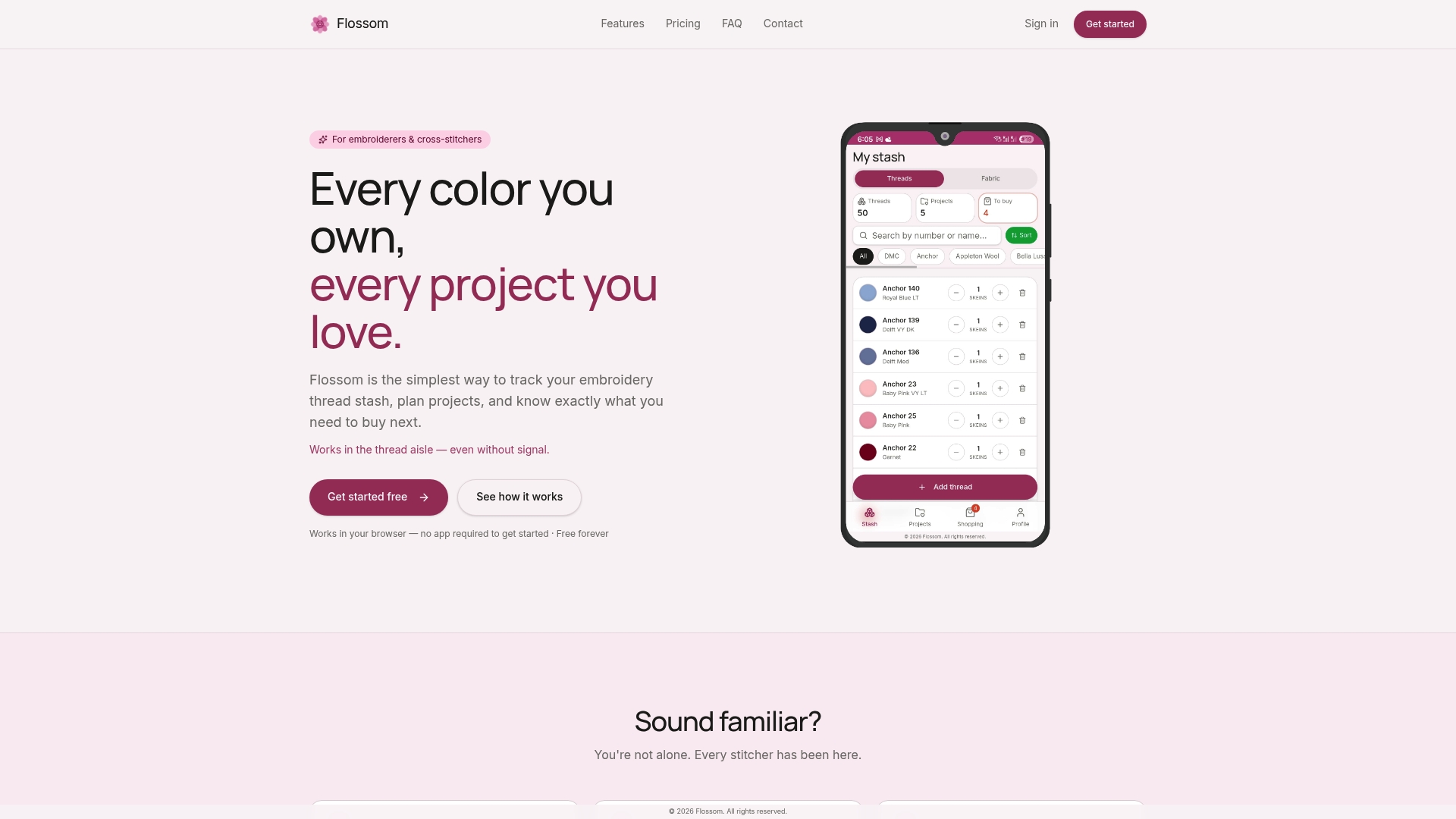
If you stitch across multiple brands or want the camera picker alongside barcode scanning and full fabric stash tracking, Flossom Pro unlocks all 55 brands for $14.99 per year. Check the Flossom tools page to see the camera picker and conversion tools in context, or start by photographing your next project's fabric and see how close the first shortlist gets you.
Sources
- Smartphone-enabled colorimetry
- Improving color reliability of digital textile images via optimized acquisition and preprocessing
- Feasibility of Smartphone-Based Color Matching in Fabrics for Smart Textiles Based on Color Modeling and Machine Learning
- Color Analysis of Batik Fabric by Facile Smartphone Colorimetry
FAQ
Should I Trust My Phone Camera Over a Shade Card?
No. Use your camera to shortlist close candidates quickly, then confirm the final choice against a physical DMC or Anchor shade card under the same light. Camera readings shift with lighting and device, while a shade card shows the actual dyed sample.
Why Does My Camera Match Look Different Once the Thread Arrives?
Lighting differences between when you photographed the fabric and when you're viewing the delivered skein are the most common cause. Mixed light sources, glare on glossy threads, and screen calibration on your phone can all shift what the camera reported.
What Is ΔE and Why Does It Matter for Thread Matching?
ΔE measures how different two colors are in a way that roughly tracks what the human eye can notice. Research on smartphone fabric matching found a testing error around 0.22 MSE for predicted color differences, which is useful for narrowing choices but not precise enough to skip a physical check.
Can Flossom's Camera Picker Convert a Color Between Thread Brands?
Yes. Flossom's camera color picker suggests candidate shades from a photo, and Pro subscribers can convert that pick across 55 thread brands, including DMC and Anchor. The free plan covers camera-assisted matching within the DMC and Anchor catalogues.
Do I Always Need to Order a Sample Skein?
Not always. For small or forgiving projects where the camera pick and shade card sample look identical under the same light, buying directly is usually fine. For large areas, subtle shade differences, or glossy and variegated threads, ordering a small skein first avoids a costly mismatch.
Recommended
We make Flossom — the calm app for cross-stitchers and embroiderers who want their stash, projects, fabric and shopping list in one tidy place.