Managing your stash
- Search by colour number, colour name or brand — results appear as you type.
- Sort by colour, brand or number — tap the Sort button in the Stash tab to choose.
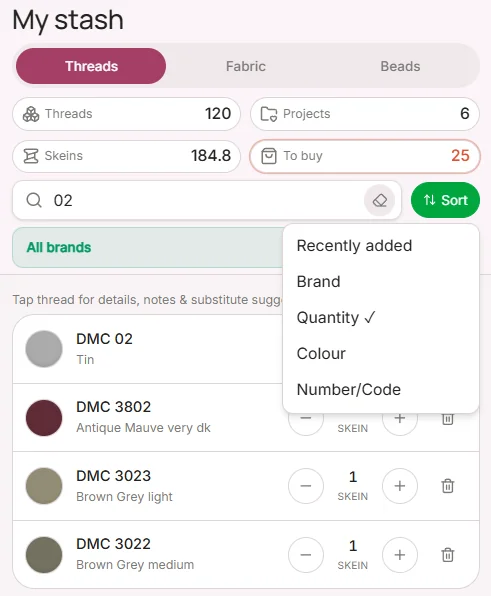
- Filter by brand, or show only threads that are running low.
- Adjust quantities anytime — tap a thread and use the + / − controls.