Adding threads
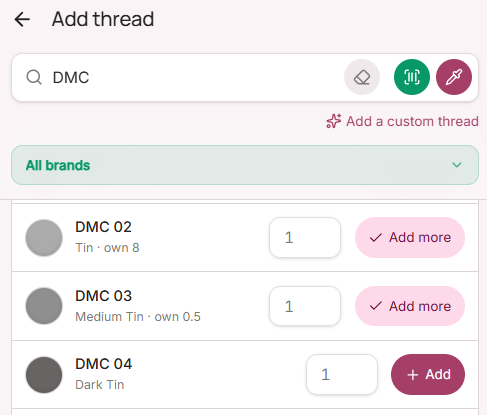
From the catalogue: search by brand, colour number, or colour name. Use the drop-down selector to filter by brand. Free includes full DMC and Anchor catalogues including discontinued colours. Tap a colour, enter your quantity, and save.
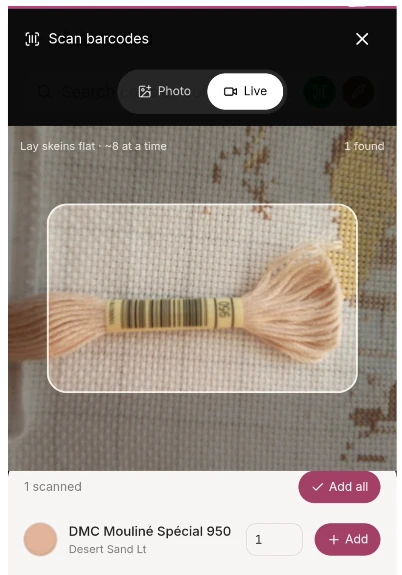
By scanning a barcode (Pro) — tap the scan icon in the top corner of the Add thread screen and point your device camera at the barcode on a DMC or Anchor skein label. Flossom reads the code and adds the thread instantly. More brands coming soon.
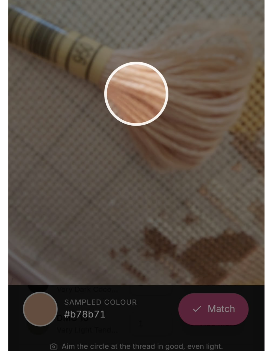
By matching a colour (Pro) — tap the colour picker icon and point your camera at the thread. Once you have the colour selected, click on "Match". Flossom identifies the closest match across all 143 ranges from 83 brands and suggests the most likely code. On a PC, the colour picker works manually from a colour palette that you need to move to select the closest colour to your thread visually.
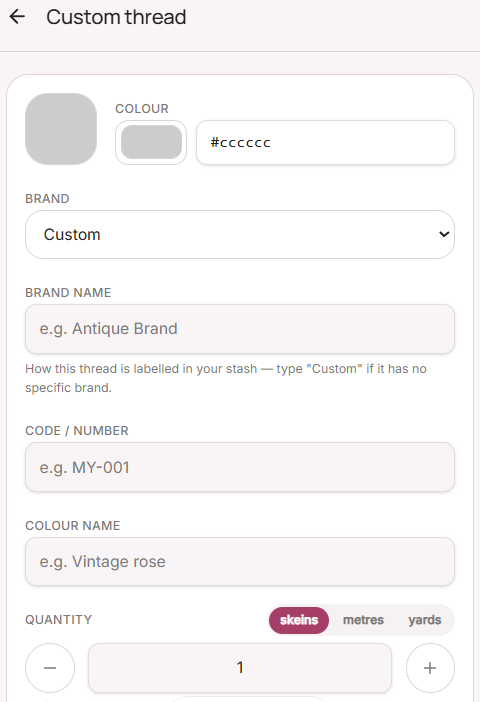
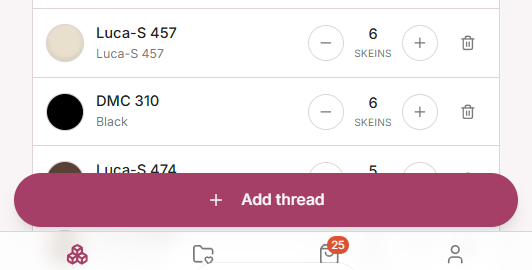
As a custom thread — for hand-dyed threads, indie brands or anything not in the catalogue, tap + → Custom thread. Enter a name, choose a colour from the picker, and add your quantity, skein length and any notes and tags.