CSV export and import Pro
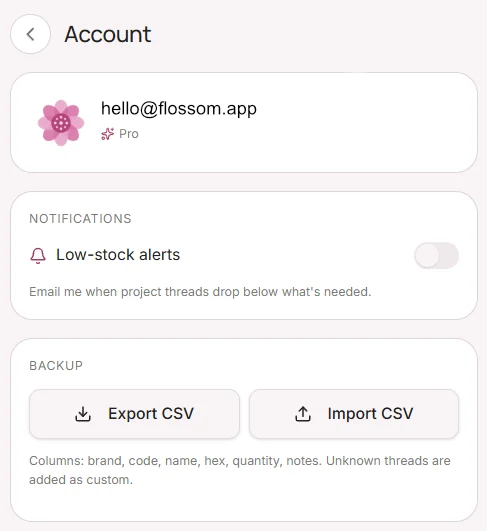
Export your entire stash as a CSV file from your Profile tab — useful for backups or sharing. Click on "Profile" then "Account". To import, your file needs columns for brand, colour code and quantity. Tap Profile → Account → Import stash and follow the prompts.